
Distribute Your Survey
The Distribute page provides the tools and settings necessary to generate, customize, and copy access links for your survey.
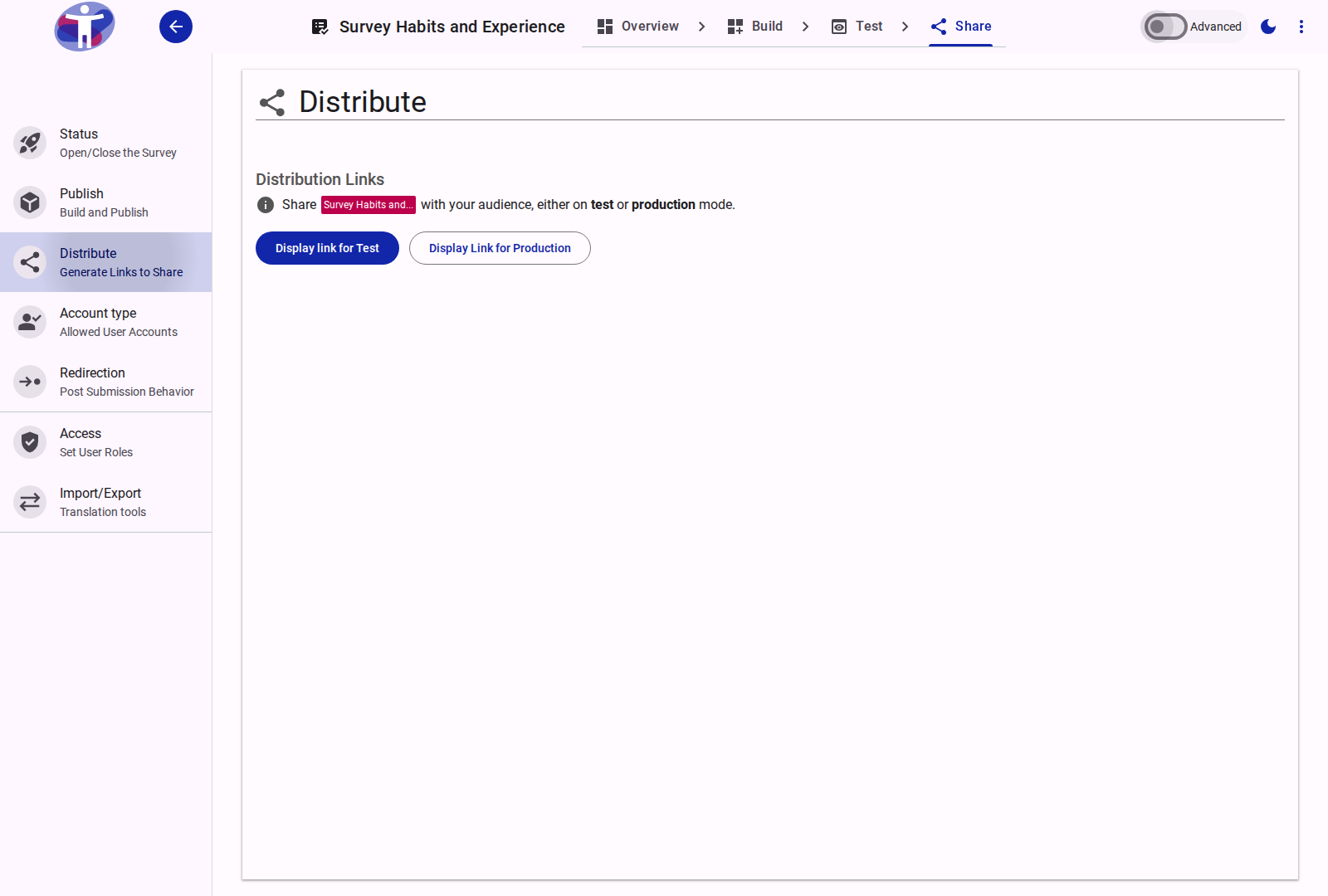
Distribution Links
The core of the Distribute page lets you generate access links for different phases of your survey lifecycle:
- Display Link for Test: Generates a test URL (using
SURVEY_TEST_URL). Test links are intended for previewing, testing, and gathered feedback from early respondents. Answers submitted via test links are not saved to the production database. - Display Link for Production: Generates the live production URL (using
SURVEY_PROD_URL). This button is only enabled once at least one survey build has been published. Submissions via this link are recorded as official production dataset responses.
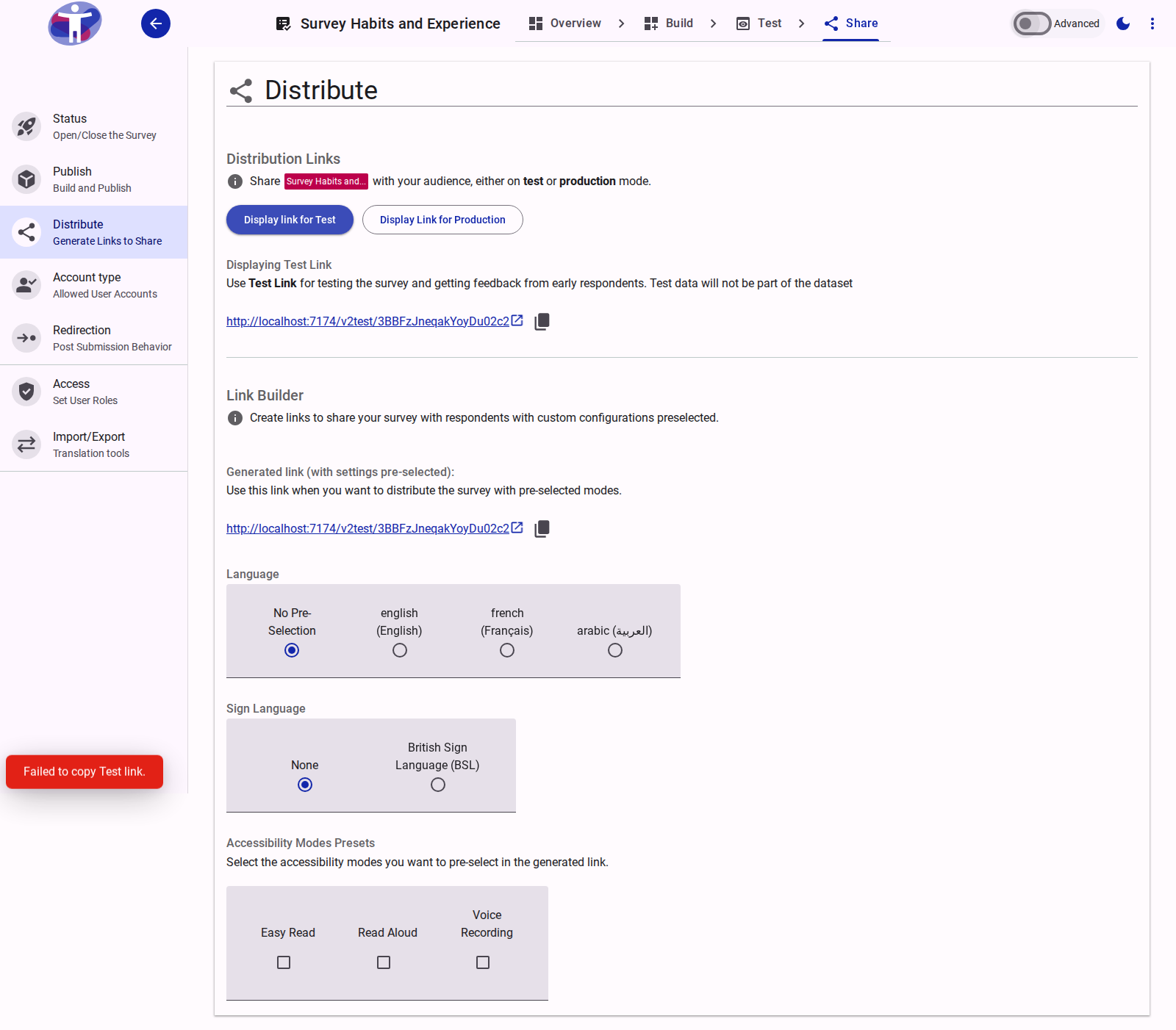
The Link Builder
Once you click to display either a test or production link, the Link Builder is displayed below. The Link Builder dynamically appends query parameters to your survey URL based on the presets you select:
1. Language Presets
If your survey is multilingual and has translations configured, you can pre-select a language for the generated link.
- No Pre-Selection: The survey will default to the respondent's preferred browser language.
- Selected Language: Appends
?lang=<code>to force the survey to render in the selected language.
2. Sign Language Presets
If sign language modes are active for the survey, you can pre-select a specific sign language dialect.
- Appends
?signlanguage=<code>to automatically activate the sign language video overlay upon landing.
3. Accessibility Modes Presets
Pre-select accessibility modes to be automatically enabled when a respondent opens the link:
- Easy Read: Appends
?easyread=trueto render the simplified language version. - Read Aloud: Appends
?readaloud=trueto automatically activate text-to-speech reading. - Voice Recording: Appends
?voice=trueto enable voice response recording features.
Multiple accessibility modes can be combined in the same link.
Related Content
- Campaigns & UTM Tracking — Creating and managing marketing campaigns
- Advanced Distribution Settings — Custom tracking links and campaign selector in Advanced Mode
- Publishing a Survey — Step-by-step guide to building and sharing versions