
Text Page Reference
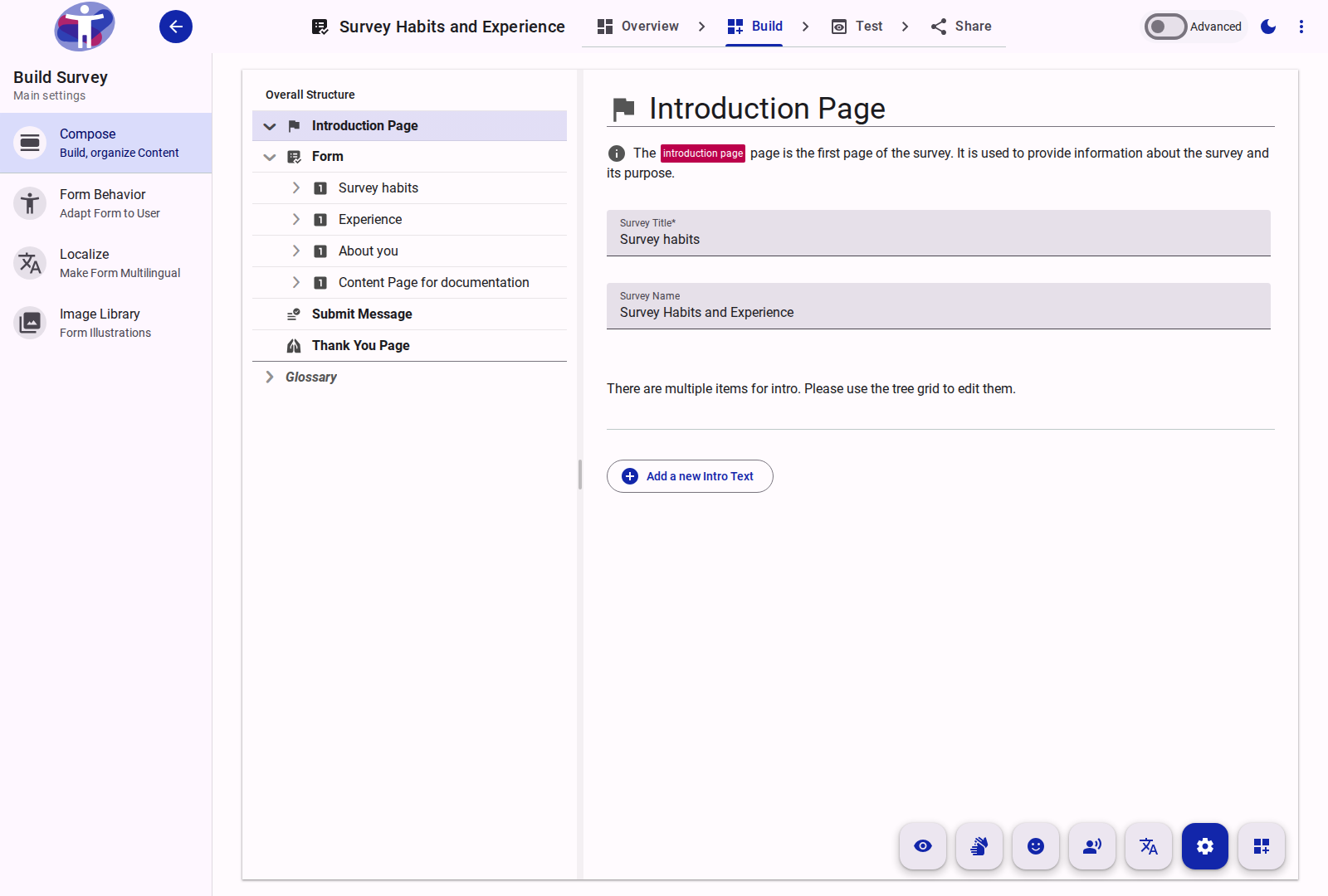
The survey builder distinguishes between two categories of informational text elements: Survey-Level Text Variants (structural pages that bookend the questionnaire) and Standalone Text Items (inlined content blocks placed within Pages and Sections).
Survey-Level Text Variants
Survey-level text variants sit outside the Form container in the Compose tree. They define the introductory framing, legal terms, and completion screens:
| Variant | Tree Identifier | Required | Key Properties | Purpose |
|---|---|---|---|---|
| Introduction | intro | Yes | Survey Name, Survey Title, Markdown Body | Welcomes respondents, sets expectations, and provides the questionnaire start action. Editing Survey Name here renames the survey. |
| Terms and Conditions | terms | Optional (hasTerms) | Appearance (dialog or plain), Acceptance Label | Presents legal terms and privacy notices that respondents must accept before proceeding to questionnaire data collection. |
| Pre-Submit Page | submit | Optional | Review Instructions, Pre-Submit Body | Provides a transitional review screen or final consent notice immediately prior to the respondent clicking Submit. |
| Thank You Page | thanks | Yes | Completion Body, Redirection URL | Displays completion acknowledgment, submission confirmation receipts, and outbound survey links. |
Terms and Conditions Configuration
Terms are activated from Share → Terms or by enabling hasTerms: true on the survey entity:
- Dialog Mode (
dialog): Renders a concise agreement checkbox with a link to open the full terms in an accessible modal dialog. The respondent must confirm the dialog before checking the agreement. - Plain Mode (
plain): Displays the full markdown terms directly inline above the acceptance checkbox on the screen. - Refusal Handling: If a respondent declines the terms or navigates away without agreeing, the response session terminates without recording answers and can trigger a
survey.terms.refusedwebhook.
Standalone Text Items (a11y-text)
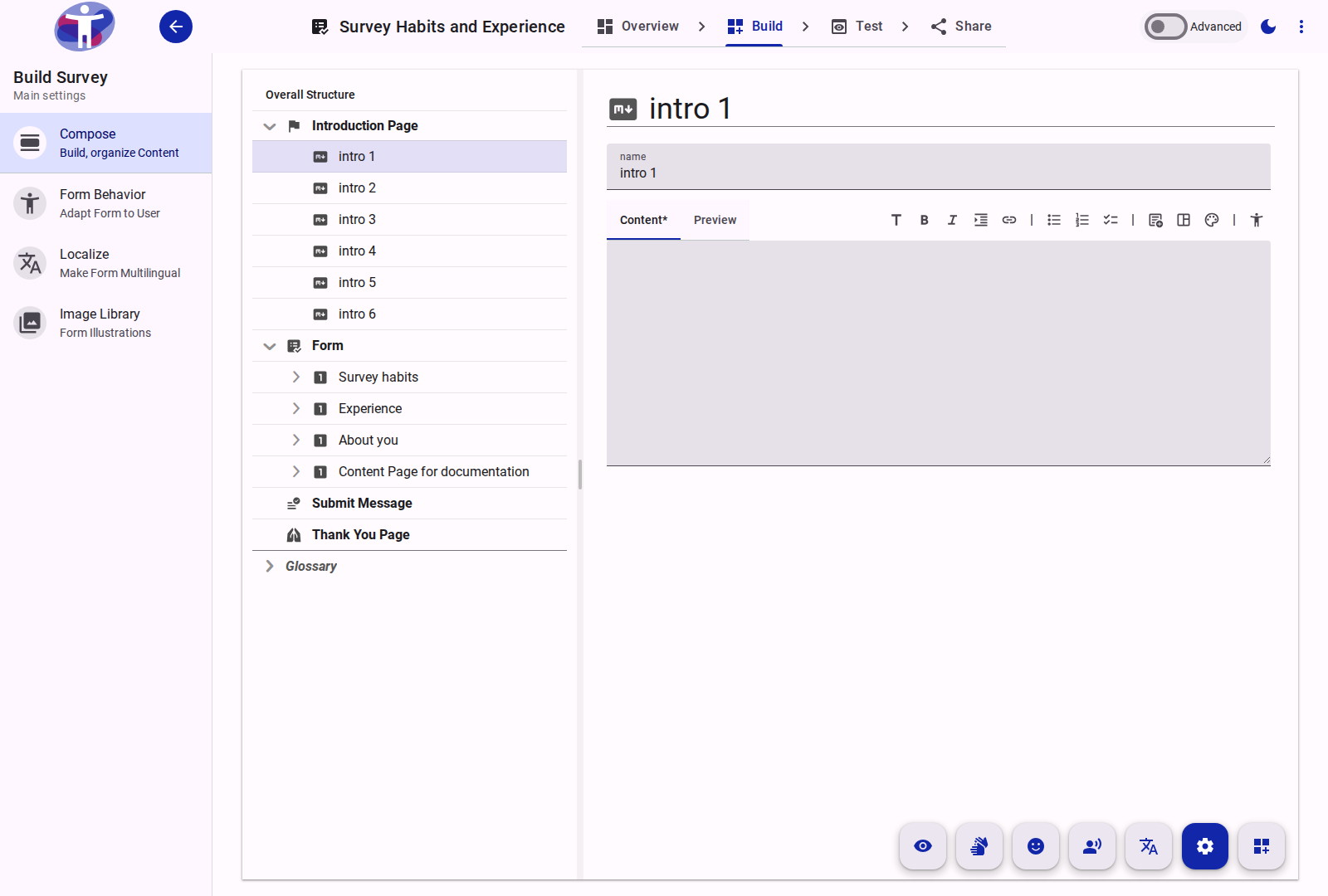
Standalone text items are modular content blocks added inside Pages or Sections alongside questions. They are used for section introductions, transition guidance, reading passages, or accessibility notices.
Properties and Capabilities
- Markdown Content: Rich-text authoring supporting headers, lists, links, blockquotes, tables, and custom embedded components (such as
<a11y-menu></a11y-menu>or<lapp-tooltip>). - Media Attachments: Images or diagrams uploaded directly to survey media storage (
media-text) and embedded in the text block. - Visibility Logic: Can carry conditional visibility rules (
createVisibilityLogic). A text block can appear or disappear dynamically based on respondent answers elsewhere in the survey. - Fixed Position (
props.fixed): If the parent Section or Page hasrandomizeenabled, toggling Fixed Position ensures this text block maintains its original authored placement (for example, keeping introductory instructions at the top of a randomized section).
End Page in "One Question At A Time" Mode
When the survey form operates in conversational mode (presentationMode: 'oneQuestionAtATime'), standalone text items have special pagination behavior:
- Default (Off): The text block renders directly above the question that immediately follows it on the same screen, acting as question-level introductory context.
- End Page (On): Toggling on the End Page (
endPage) switch forces the text block to occupy its own dedicated, full-screen page. The respondent reads the informational content and clicks Next before reaching subsequent questions.
Use Cases for End Page
Enable End Page when introducing major thematic shifts, presenting extended reading passages in cognitive evaluations, or displaying mid-survey instructions that should not be visually attached to a single input field.
Localization
All survey text variants and standalone text items support full internationalization:
- Each language has its own localized document under
items/{textId}/locale/{language}. - Switching to Localize Mode in Build → Compose or Build → Localize displays text blocks side-by-side with the primary language for direct human translation or batch machine translation.