
Survey Builder Reference
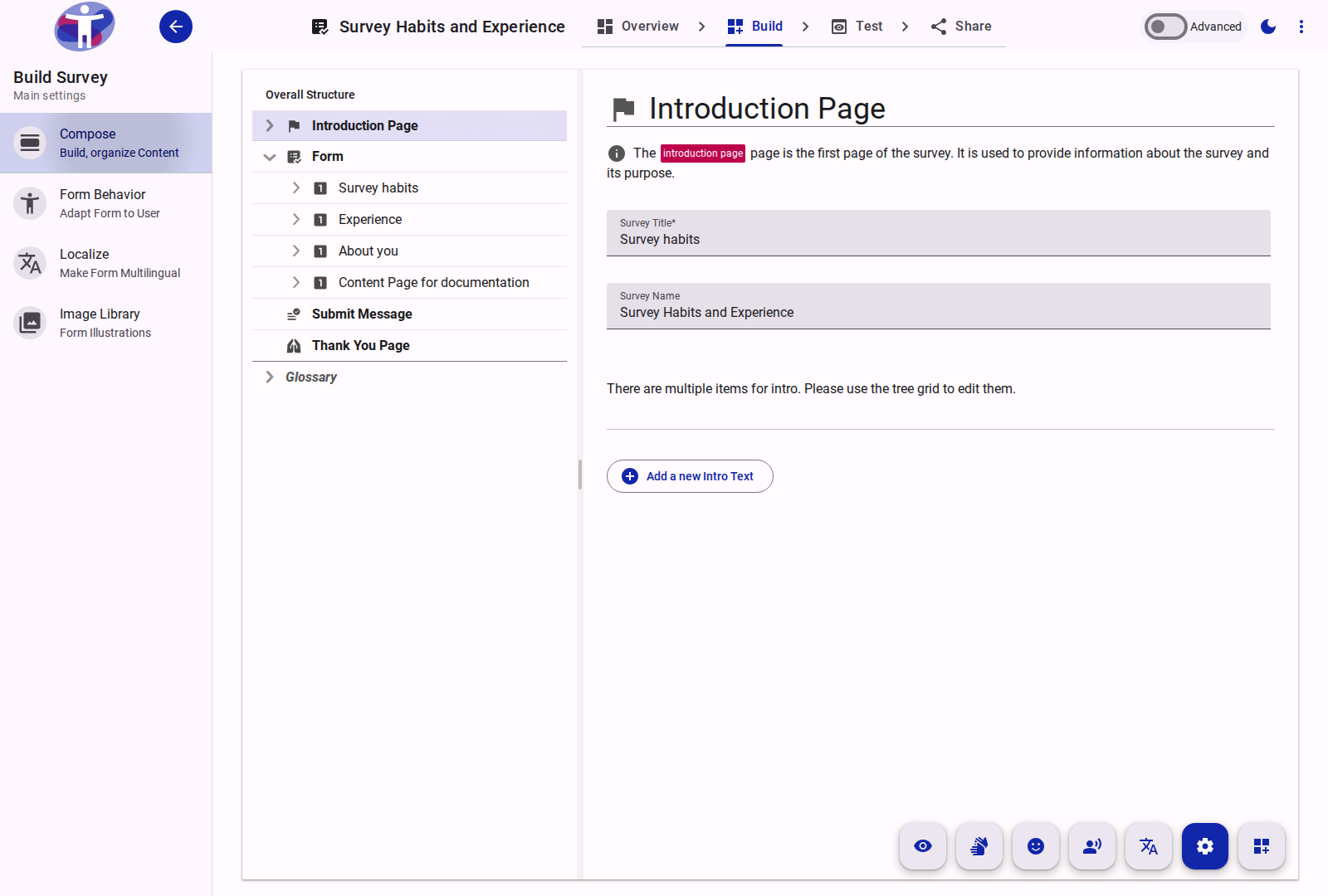
The Survey Builder is the primary workspace for creating, structuring, and customizing survey forms. It provides tools for defining the content, logic, and accessibility features of a survey.
Overview
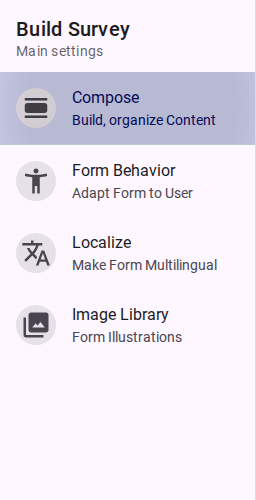
The interface provides access to various tools required for survey creation:
- Compose: Structure the survey by adding pages, sections, and questions.
- Behavior: Define overall settings, such as accessibility modes and form logic.
- Image Library: Manage image assets for the survey.
- Localize: Manage translations and multilingual support.
- Prompt: Manage additional instructions or context for questions.
- Restore: Recover deleted items.
Activating a Survey
A survey must be marked as active to collect responses. This requires configuring batch settings with valid date ranges (a "from date" in the past and a "to date" in the future or empty) and publishing the survey.