
Survey Status
The Status page provides information on the current operational state of your survey and allows you to configure its activation strategy.
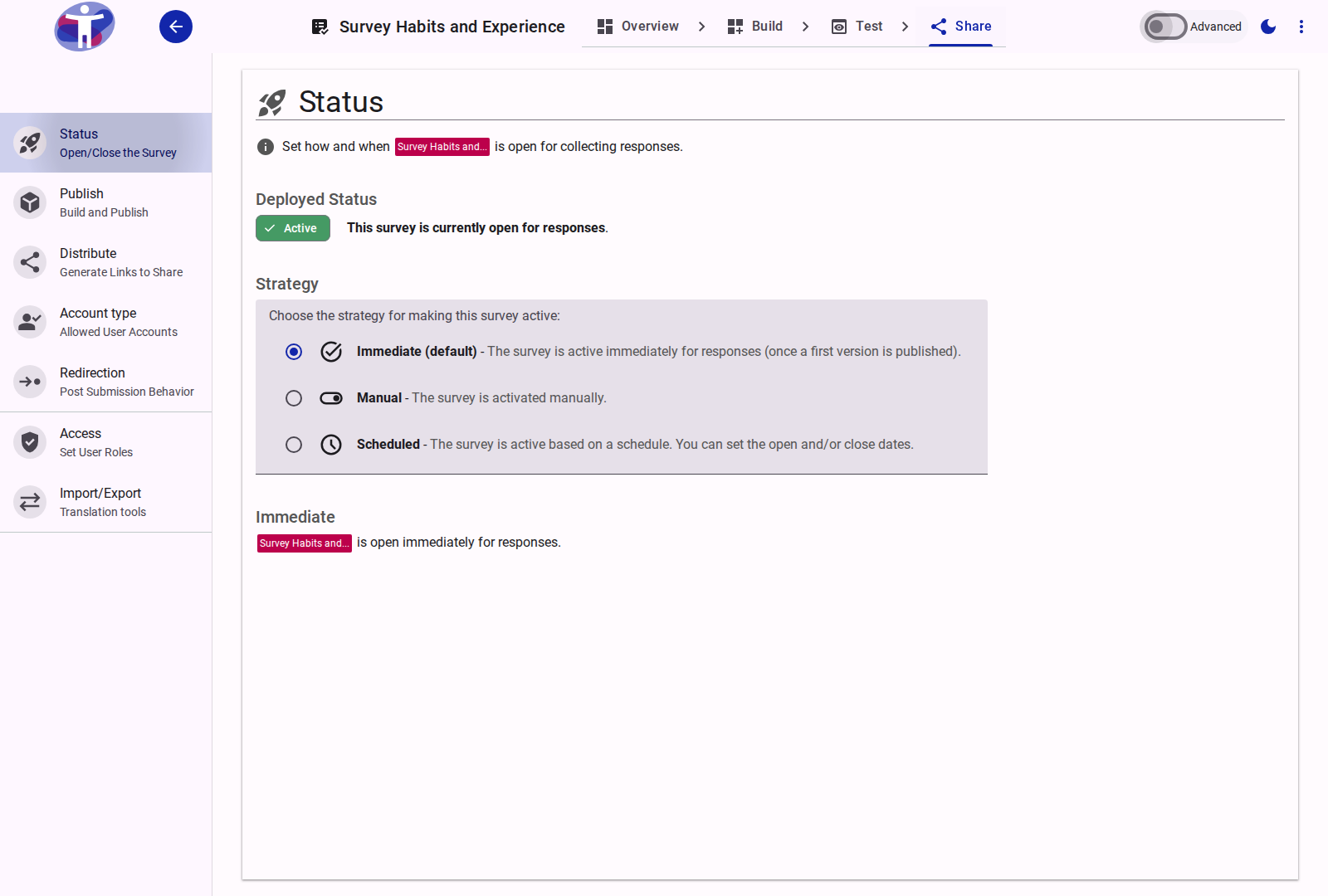
Interface Overview
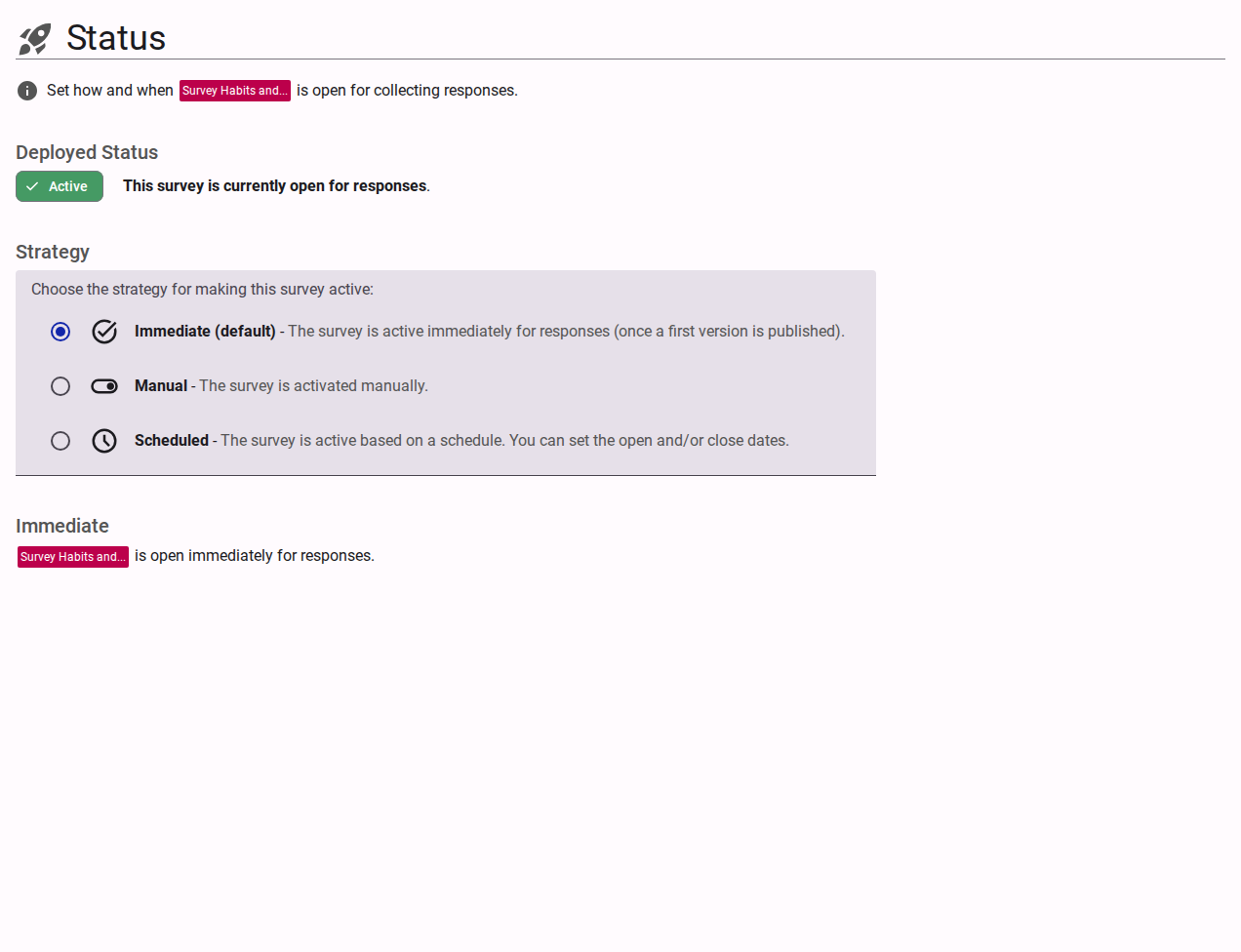
The Status page allows you to set how and when your survey is open for collecting responses.
- Deployed Status: Displays the current status of the survey (e.g., "Active"). It indicates whether the survey is currently open for responses.
- Strategy: Defines the mechanism used to make the survey active. The available strategies are:
- Immediate (default): The survey is active immediately for responses once a first version is published.
- Manual: The survey is activated manually by toggling its status.
- Scheduled: The survey is active based on a schedule. You can set specific open and/or close dates.
Advanced Settings
For detailed status metrics and advanced configurations, refer to the Advanced Status Settings.