
Compose Reference
The Compose tool is the structural editor for a survey form. It enables the creation and arrangement of hierarchical elements, including pages, sections, and individual questions.
Interface Elements
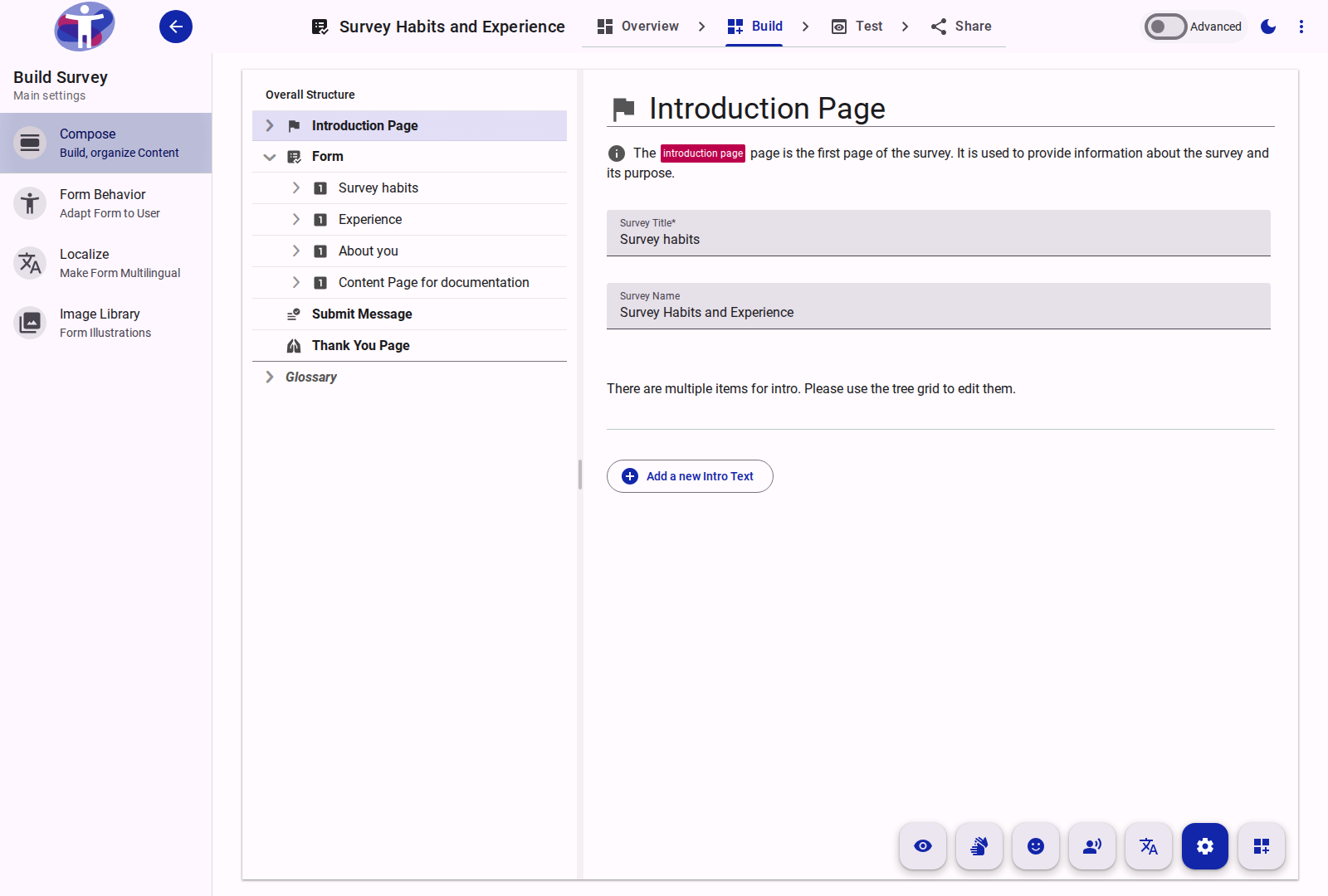
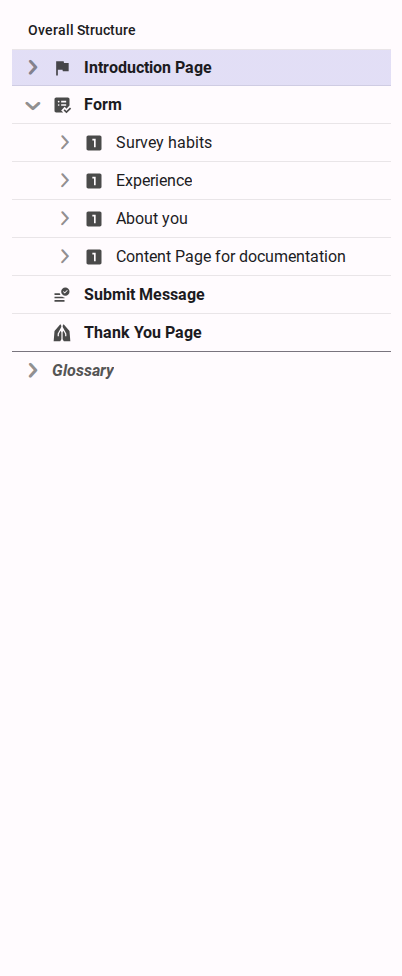
The Compose view consists of a navigation tree for structure management and an editing pane for configuring the selected element.

Supported Element Types
The following elements can be added and configured within the Compose tool:
- Form: The root container for the survey.
- Text Page: Non-interactive pages for information, such as introductions or thank-you messages.
- Page: A structural container representing a single screen or logical division of the survey.
- Section: A subgrouping element within a page to organize related questions.
- Question: Interactive data collection fields (e.g., text, multiple choice, rating).