
Training Course Session 3: Translating Your Survey
Overview
In Session 2, you added accessibility options. In this session, you will translate your survey into French and Spanish. The platform supports a wide range of languages, and this process applies to any language.
Estimated time: 15-20 minutes
Learning Outcomes
By the end of this session, you will be able to:
- Add new languages for your 'Organization'.
- Translate your survey into newly added languages.
- Test the translated versions of your survey.
- Translate questions that are added or amended later.
- Understand how language options are presented to respondents.
Activating Additional Languages
IMPORTANT
Only Account Holders can activate additional languages for their 'Organization', as this affects the organization's subscription plan.
Languages are added via the 'Customer Portal'. If you created the account or were granted the role, you are an Account Holder.
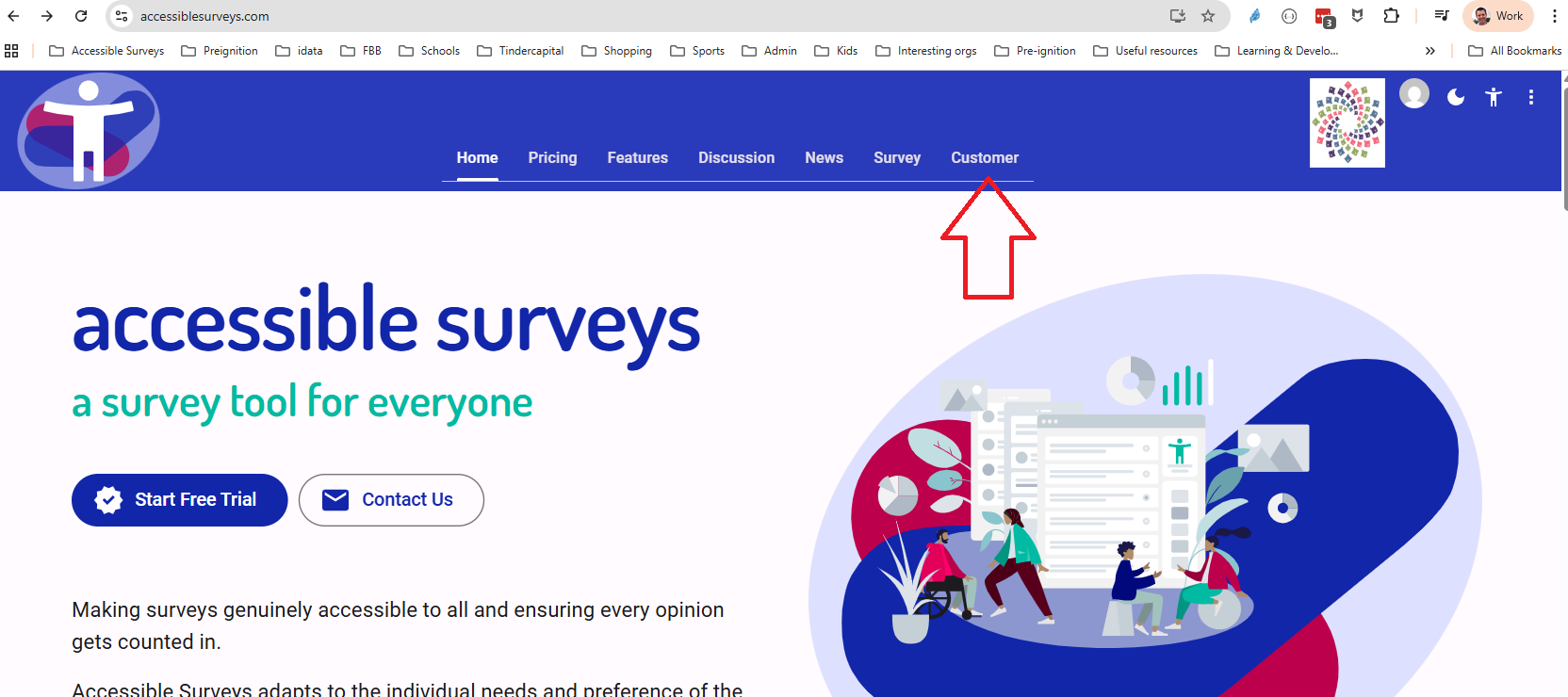
Account Holders can access the 'Customer' portal from the homepage:
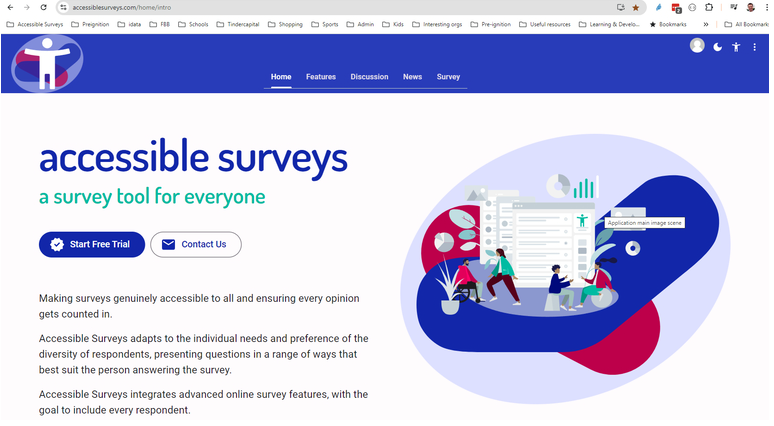
Standard Team Members will not see the 'Customer' portal on their homepage:
NOTE
If French and Spanish are not already available for your 'Organization', request an Account Holder to add them before proceeding with this session.
Instructions
Follow along with the video to translate your survey.
Next Steps
NOTE
Congratulations on completing Session 3! You can now proceed to Session 4, where you will learn how to test and share your survey.