
Publish Your Survey
The Publish page allows you to make your latest survey changes live for respondents and manage the history of your survey versions.
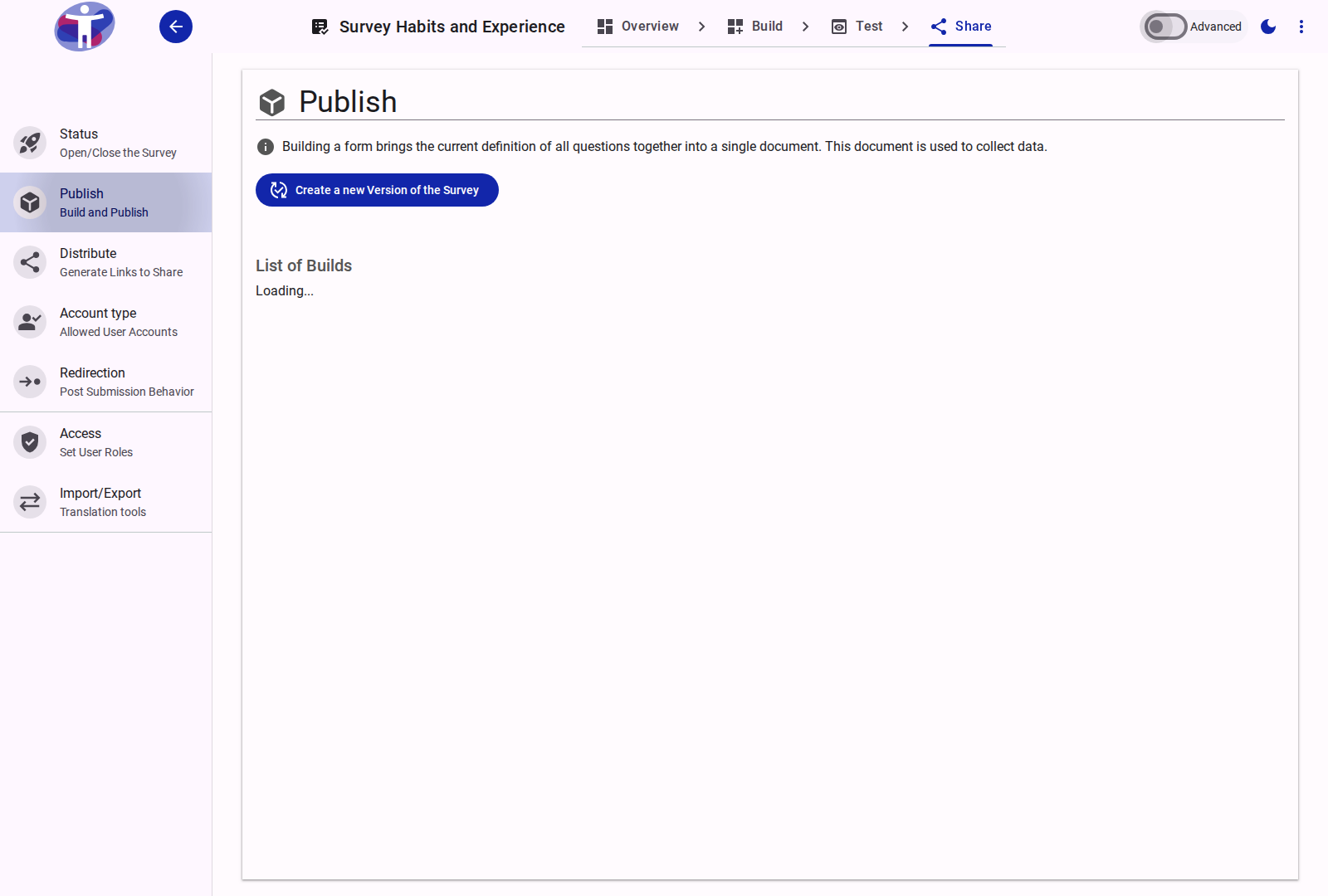
Interface Overview
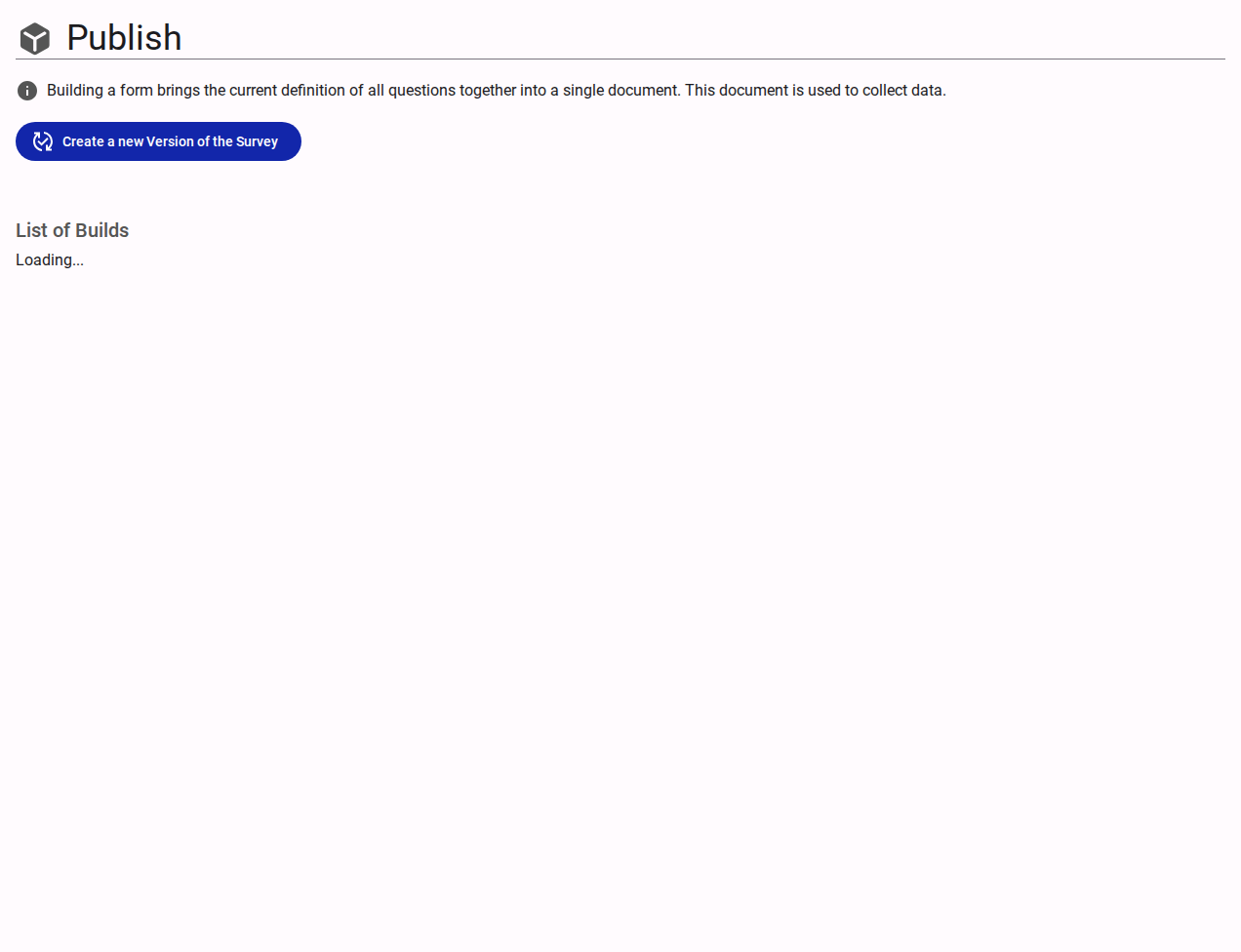
The Publish page is the final step in making your survey live or applying new changes.
- Publish Button: Click this button to make your latest changes available to respondents. Any changes made to your survey (or the underlying form) must be "published" before they become effective.
- Unpublish: A survey can be unpublished at any time, which deactivates it so that it can no longer collect responses.
- Version History: A table listing all previously published versions of your survey, including:
- Version: The designated version label or number.
- Date: When this specific version was published.
- Published By: The user who initiated the publish action.
- Status: Indicates which version is the currently active one.
- Rollback: Options are provided to revert or rollback to a previously published version if needed.
Advanced Settings
For version control and rollback features, see the Advanced Publishing Settings.