Deleting a survey
DANGER
Deleting a survey marks it as deleted. The survey will no longer be visible in the survey workspace.
Step 1: Open the survey context menu
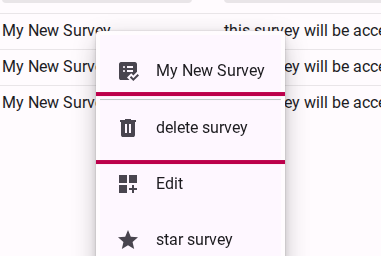
From your survey workspace, locate the survey you wish to delete. Right-click on the survey row (or open the context menu) and select Delete survey.
Step 2: Confirm the deletion
A confirmation dialog will appear warning you about the permanent nature of this action. Review the dialog to ensure you are deleting the correct survey.
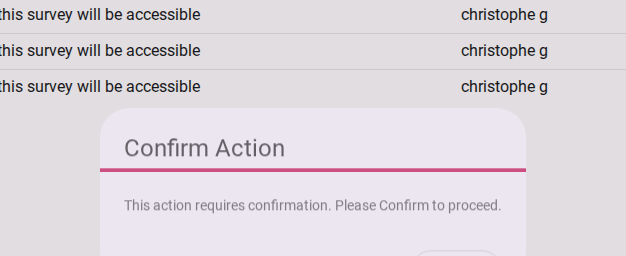
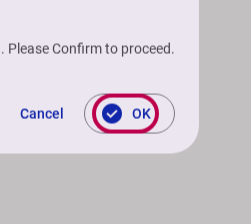
Click the Confirm Action button to permanently delete the survey and all its associated data.