
Creating a new survey
INFO
A step by step guide to creating a new survey
Step 1: Start the creation process
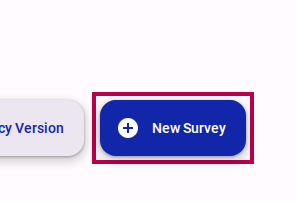
Select New Survey on your survey workspace.
Step 2: Provide survey details
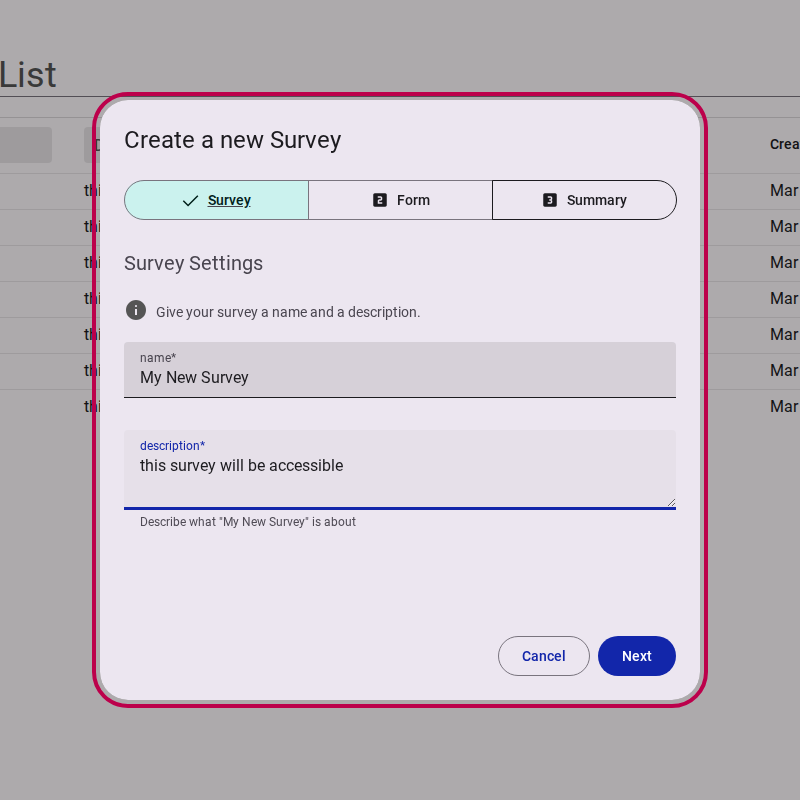
Give your survey a Name and a brief Description.
WARNING
You will not be able to move to the next step until the survey has a name and description.
Then, select Next.
Step 3: Choose or create a form
Surveys use 'Forms' to collect data.
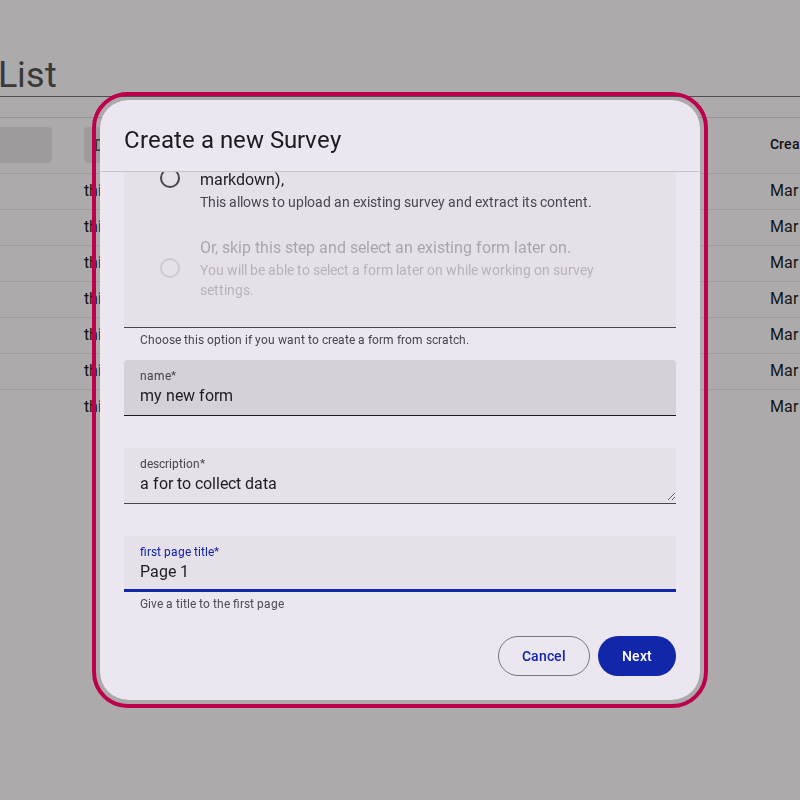
You can create a new form right away by providing a name, description, and first page title.
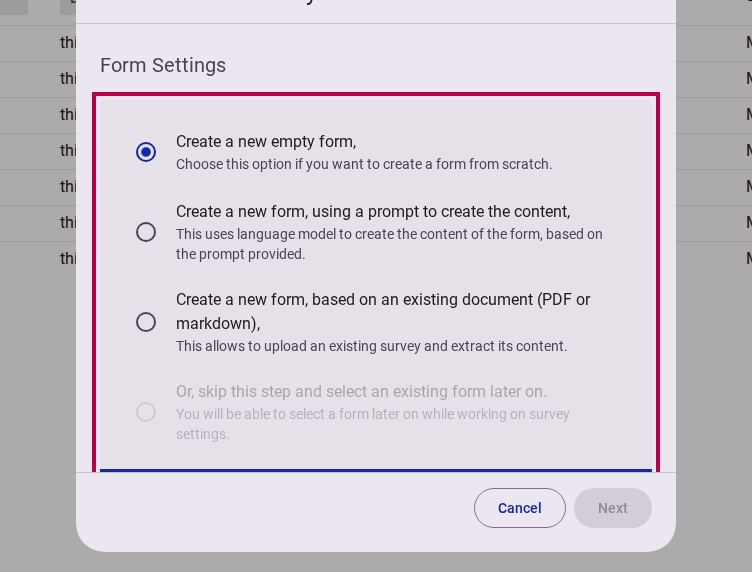
If you already have a form that you want to use in your survey, you can choose to select an existing form instead.
Fill in the necessary form details.
Then, select Next.
Step 3b: Choose the layout
When creating a new form, you are asked which layout your questions use:
- One question per page — each question gets its own page. Best for short, simple surveys — and ideal on phones.
- Multiple questions per page — questions share pages. Best for longer, more complex surveys with lots of logic.
TIP
You can change this later in Design → Style.
Step 4: Review and Confirm
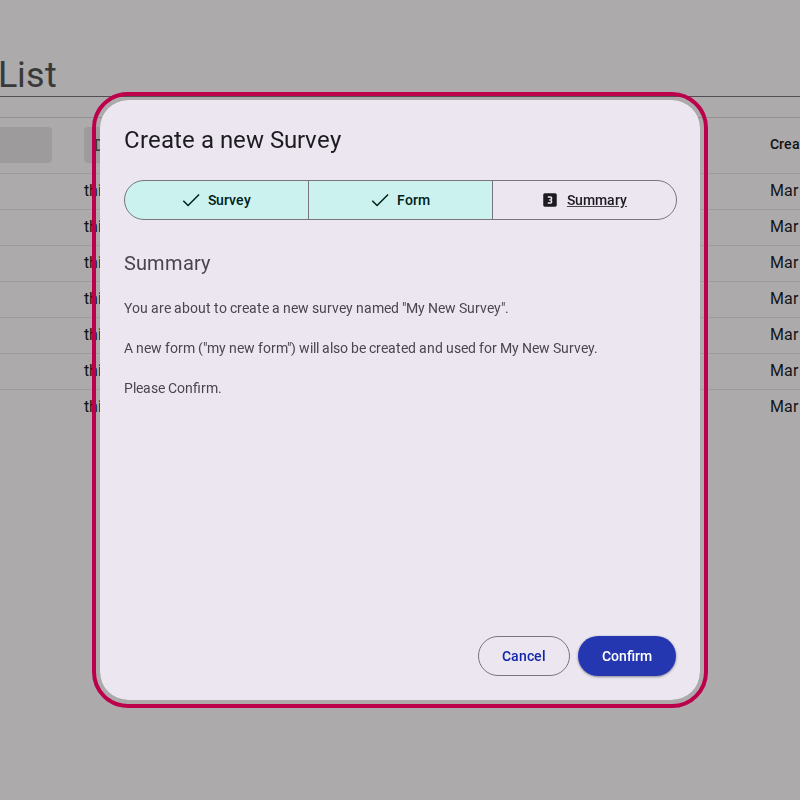
On the summary page, you will be asked to confirm your choices and verify that you want to create the new survey with these settings.
Click Confirm.
TIP
Congratulations, you have successfully created a new survey! You will now be redirected to the survey editor.