
Campaigns & UTM Tracking
The Campaign section allows you to create and manage marketing campaigns for tracking how respondents are referred to your survey using UTM parameters.
The Campaign page is available in Advanced Mode from the Share drawer. It lets you create, edit, and manage survey campaigns.
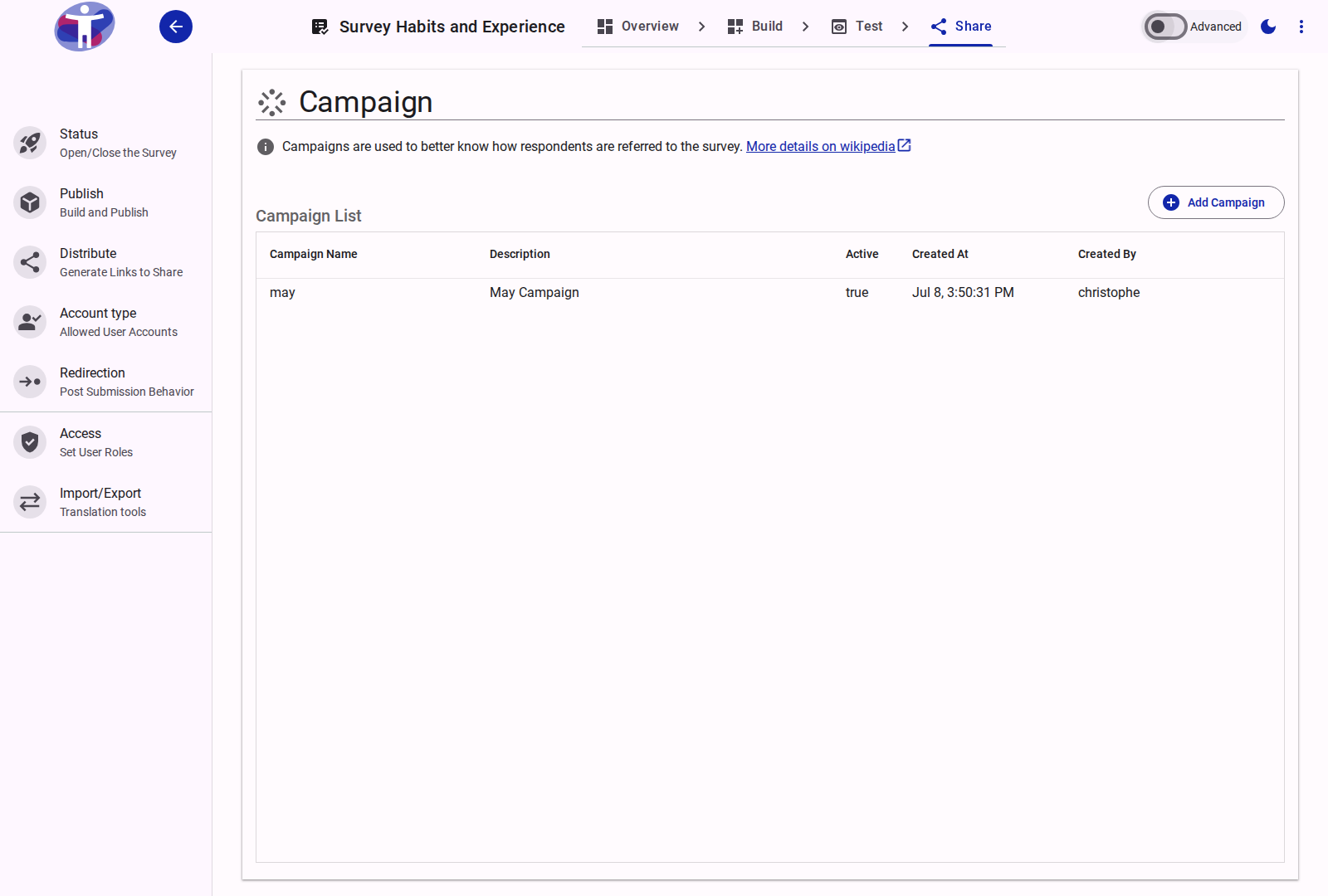
Campaigns
A Campaign represents a named marketing initiative. Each campaign can be toggled active or inactive and stores:
- Campaign Name: A short label identifying the campaign (e.g.,
spring_promo_2026). - Description: An optional longer description of the campaign's purpose.
- Status: Whether the campaign is active and available for link generation.
Campaigns do not store UTM source or medium — those are chosen per link at generation time.
Link Builder Integration
When a campaign is selected in the Link Builder, the generated survey URL is augmented with UTM parameters. The campaign selector appears below the link builder in Advanced Mode.
UTM Parameters
The following tracking parameters can be appended to survey links:
| Parameter | Description | How it's set |
|---|---|---|
utm_campaign | The campaign name | Set automatically from the selected campaign |
utm_medium | The channel type driving traffic | Selected per link from a predefined list |
utm_content | Identifies the specific link element clicked | Chosen per link: Logo Link, Text Link, or Image Link |
utm_term | Keyword or audience identifier | Free text entered per link |
The utm_source parameter is added automatically by the distribution platform and does not need to be configured manually.
Content Type Options
The following predefined values are available for utm_content:
| Value | Label | Description |
|---|---|---|
| (empty) | No Pre-Selection | No content parameter added |
logolink | Logo Link | The survey logo was clicked |
textlink | Text Link | A text hyperlink was clicked |
imagelink | Image Link | An image banner was clicked |
Related Content
- Distribute Your Survey — Generating links with pre-selected settings
- Advanced Distribution Settings — Custom tracking and distribution channels