
Survey Terms
The Terms page enables you to require respondents to review and accept custom legal terms, consent disclosures, or participant agreements prior to taking your survey.
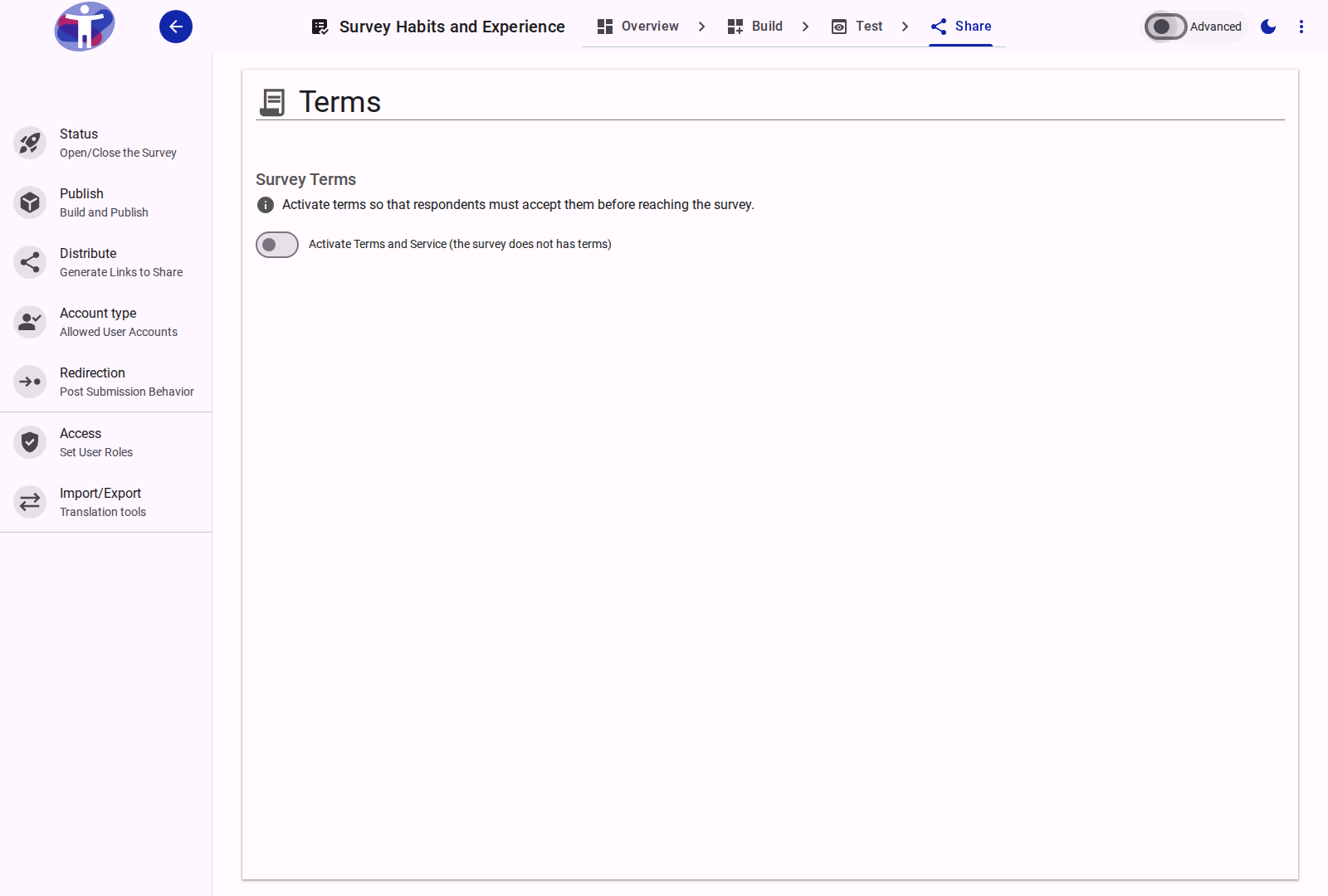
Interface Overview
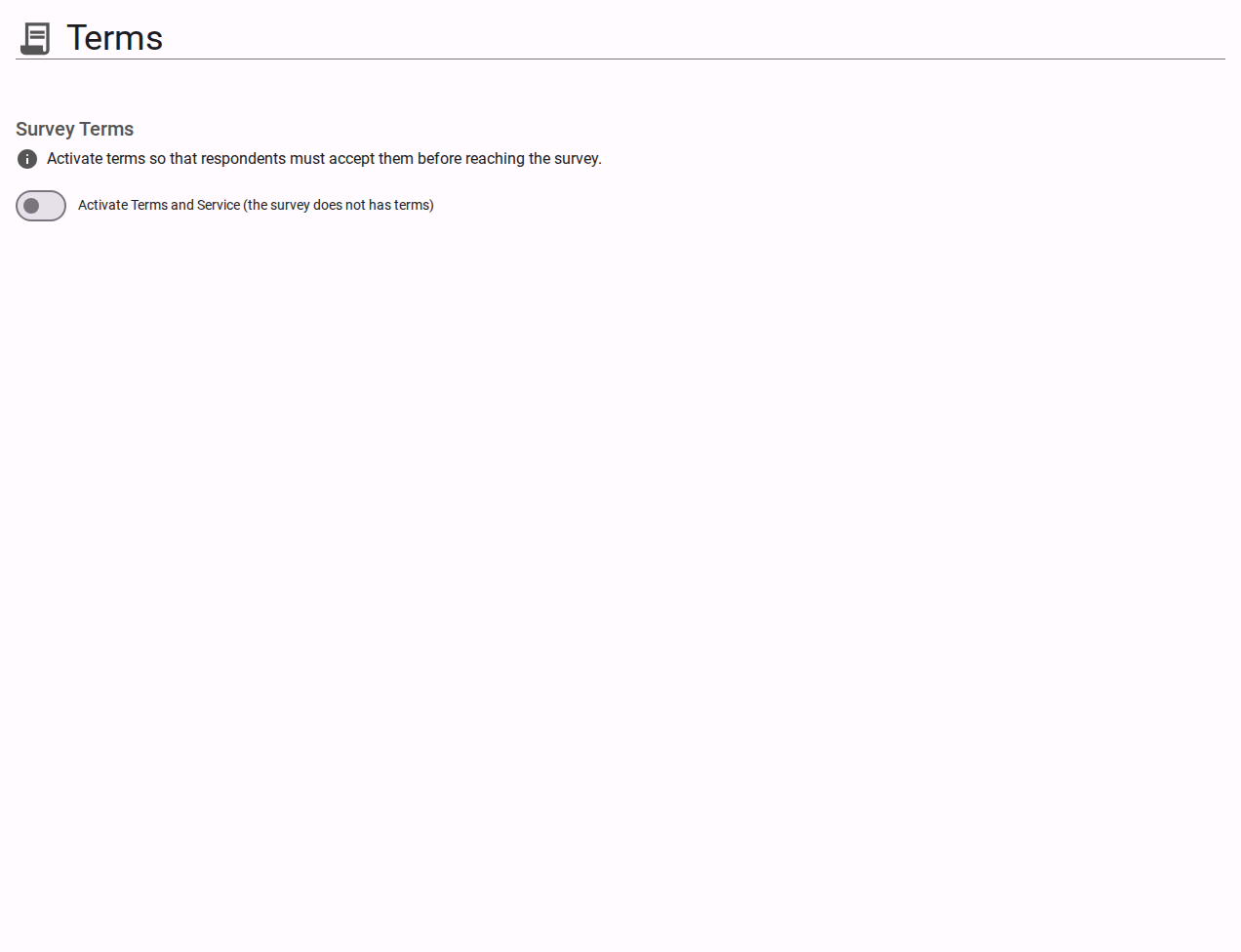
By default, surveys do not require bespoke terms. Activating the Terms feature ensures respondents cannot submit data without explicitly agreeing to your terms.
Activating Terms
- Activate Terms and Service Switch (
hasTerms): Toggles terms enforcement on or off. When active, respondents must accept terms before proceeding to survey questions.
Terms Appearance
Choose how terms are presented to the respondent:
- In a Dialog (
dialog, default): A hyperlink opens a modal dialog displaying the full agreement text. The respondent must review and accept the dialog to proceed. - On the page (
embed): The agreement text is displayed directly on the introductory page above the consent checkbox.
Authoring Terms Content
The actual terms wording is authored and localized in Build → Compose:
- When terms are activated, navigate to Build → Compose and select the Terms item in the survey tree (
build/compose/survey/terms). - You can format terms with rich text headings, lists, links to external privacy notices, and localize them across all survey languages in Localize Mode.
Related Content
- Setting Survey Terms How-to Guide — Step-by-step instructions for activating and writing terms
- Data Privacy and Security Explanation — Privacy policies, consent records, and data protection
- Compose Reference — Formatting and translating survey content items