
Advanced Account Settings
In Advanced Mode, the Account Type page exposes authentication methods and domain restrictions for surveys requiring Personal or Verified Accounts.
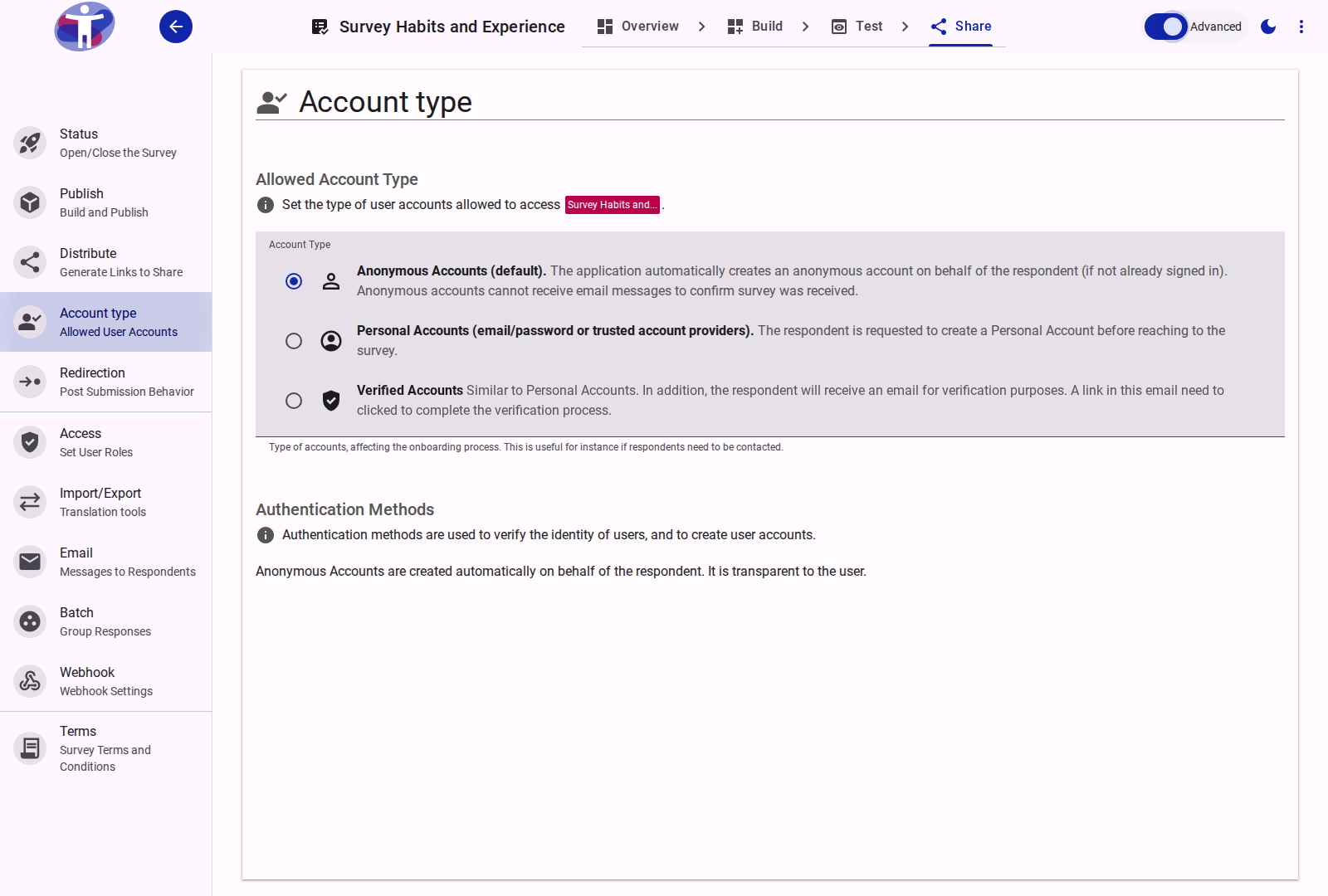
Authentication Methods
When your survey is configured for Personal Accounts or Verified Accounts, enabling Advanced Mode reveals the Authentication Methods selector:
1. Email/Password or Federated Identity Providers (Default)
- Option code:
passwordOrFederated - Behavior: Respondents can create an account using their email address and password, or authenticate with available federated identity providers (such as Google).
- Use case: Standard authenticated surveys where respondents can choose their preferred sign-in method.
2. Passwordless Email Link
- Option code:
emailLink - Behavior: Respondents enter their email address and receive an email containing a secure sign-in link. Clicking the link authenticates the respondent and confirms their email address in a single step without requiring a password.
- Use case: High-convenience authentication that guarantees email verification without password management friction.
Allowed Domain Restrictions
When Email Link authentication is selected, an Allowed Domain field becomes available:
- Pattern:
@domain.extension(e.g.,@organization.orgor@university.edu) - Validation: Matches against the regex pattern
^@[a-zA-Z0-9]+\.[a-zA-Z0-9]+$ - Behavior: Restricts survey access exclusively to respondents with email addresses under the specified domain. If a respondent submits an email address with a different domain, access is rejected.
- Leave blank: Leaving the field empty allows respondents from any email domain to participate.
Related Content
- Respondent Account Types — Overview of Anonymous, Personal, and Verified account models
- Authentication and Identity — Conceptual background on respondent accounts and session security