
Survey Webhooks
The Webhooks page provides controls to broadcast real-time survey event data to third-party endpoints, facilitating powerful programmatic integrations and automations.
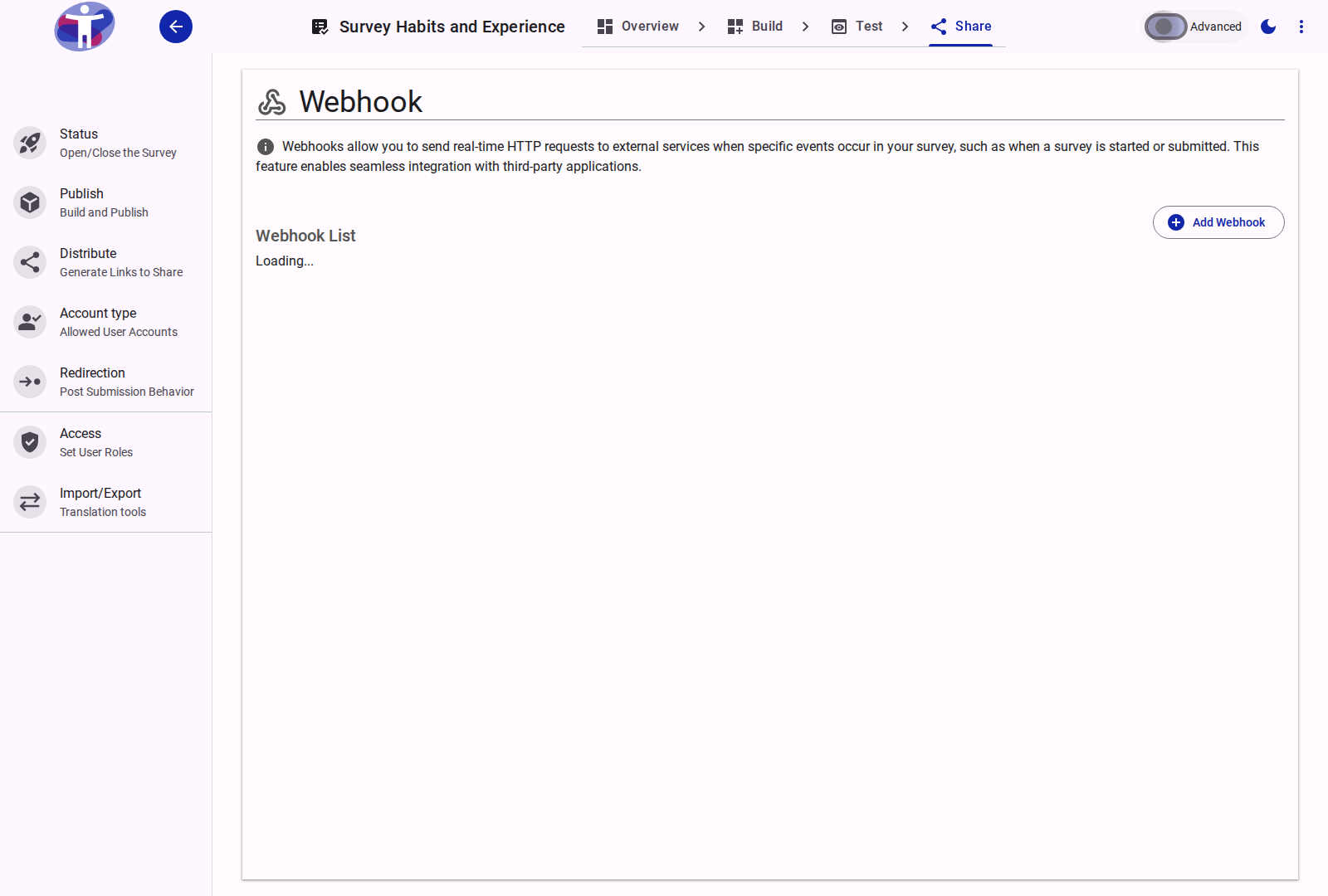
Interface Overview
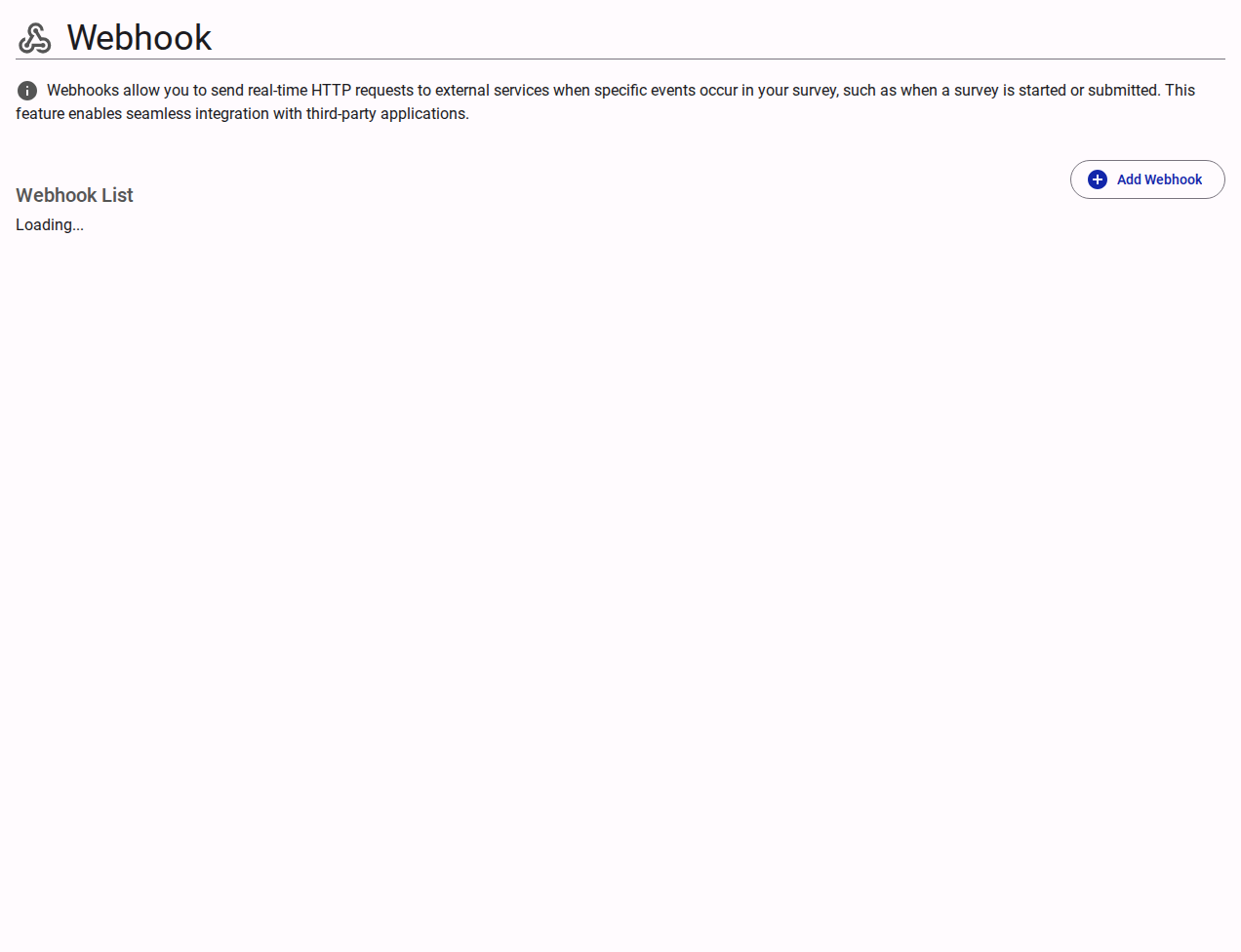
The Webhooks configuration defines precisely where and when survey data payload events are dispatched over the network.
- Active Webhook List: A catalog displaying all currently configured webhooks, allowing for rapid auditing of outbound integrations.
- Add Webhook: Opens the configuration modal to establish a new outbound HTTP pipeline. The following parameters dictate webhook behavior:
- Payload URL: The exact destination URI where the data payload will be delivered via an HTTP POST request.
- Secret Key: An optional shared cryptographic secret used to sign the request, enabling the receiving server to verify the authenticity and origin of the payload.
- Trigger Events: A checklist defining the conditions that invoke the webhook transmission. Common events include "Response Completed" and "Response Updated."
- Status Toggle: A quick-action control allowing you to temporarily suspend (disable) or resume (enable) the webhook integration without deleting its configuration.
Advanced Settings
For customizing HTTP headers, structuring exact retry policies, and accessing delivery logs, see the Advanced Webhook Settings.