
Email Your Survey
The Email page allows you to compose and dispatch survey invitations directly to respondents from within the platform.
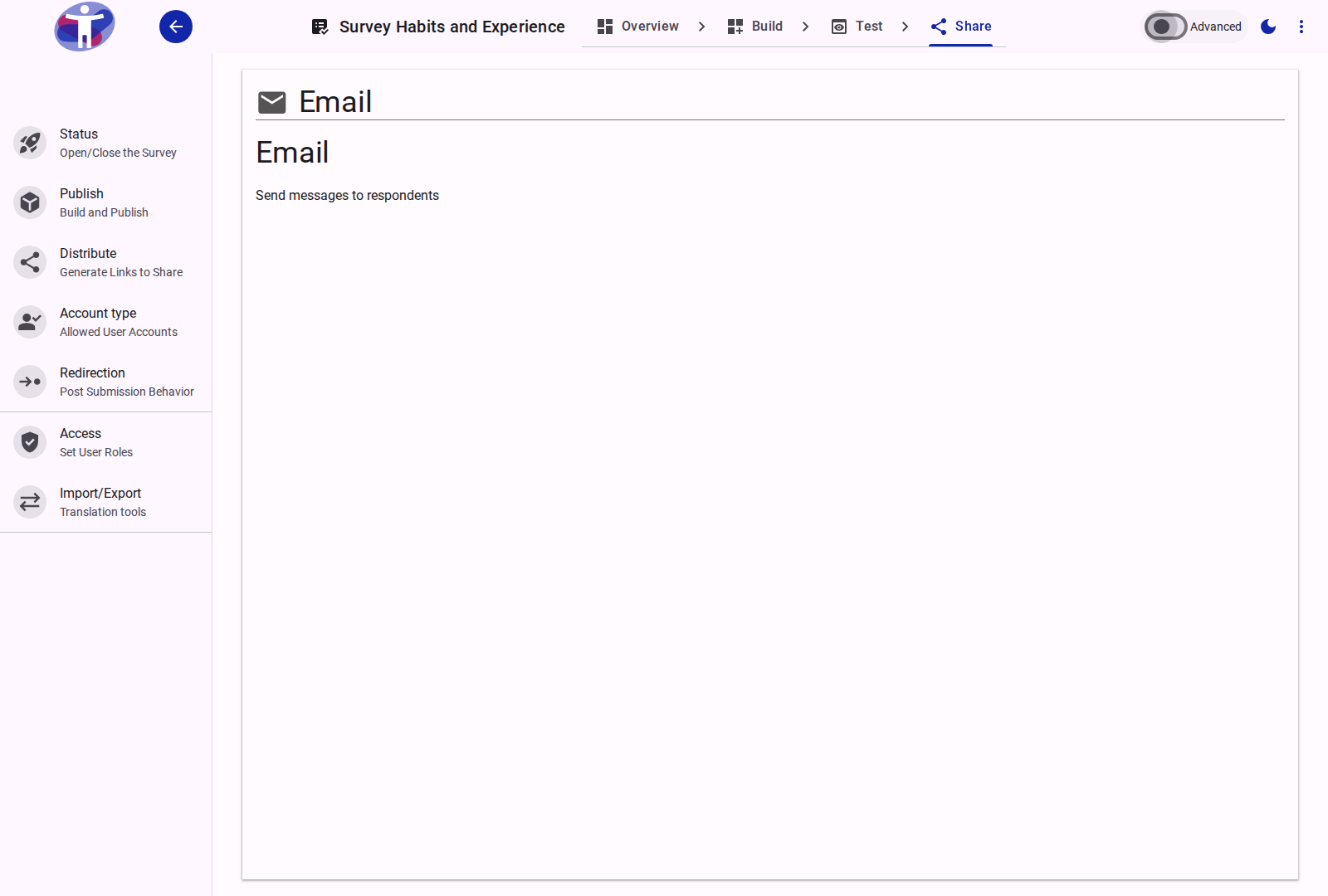
Interface Overview
The Email configuration manages the built-in email distribution workflow.
- Recipients List: Define your target audience by manually entering email addresses, importing a structured CSV file, or selecting an existing contact list.
- Message Editor: Contains the interface for drafting your invitation.
- Subject: The subject line for your email invitation.
- Body: A rich text field for composing your message. You can format the text, hyperlink content, and attach images.
- Dynamic Placeholders: Incorporate template tags (e.g.,
,) to automatically personalize individual emails, ensuring each recipient receives their distinct trackable survey link.
- Delivery Options: Execute the delivery immediately or schedule the broadcast for a specified future date and time.
Advanced Settings
For SMTP integration, bounce management, and advanced deliverability rules, review the Advanced Email Settings.