
Survey Batches
The Batches page allows you to schedule distinct periods of availability for your survey, making it easy to orchestrate longitudinal data collection.
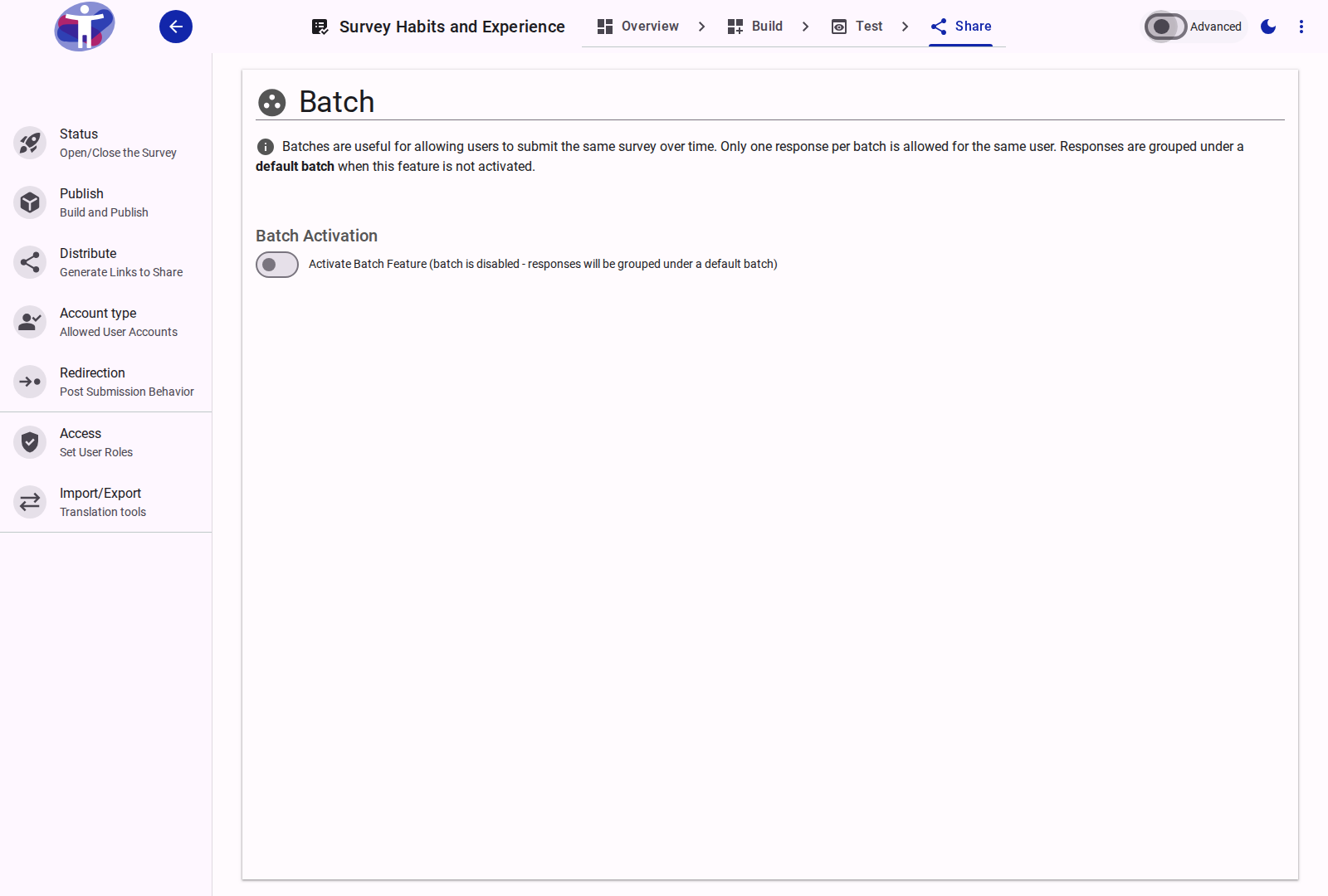
Interface Overview
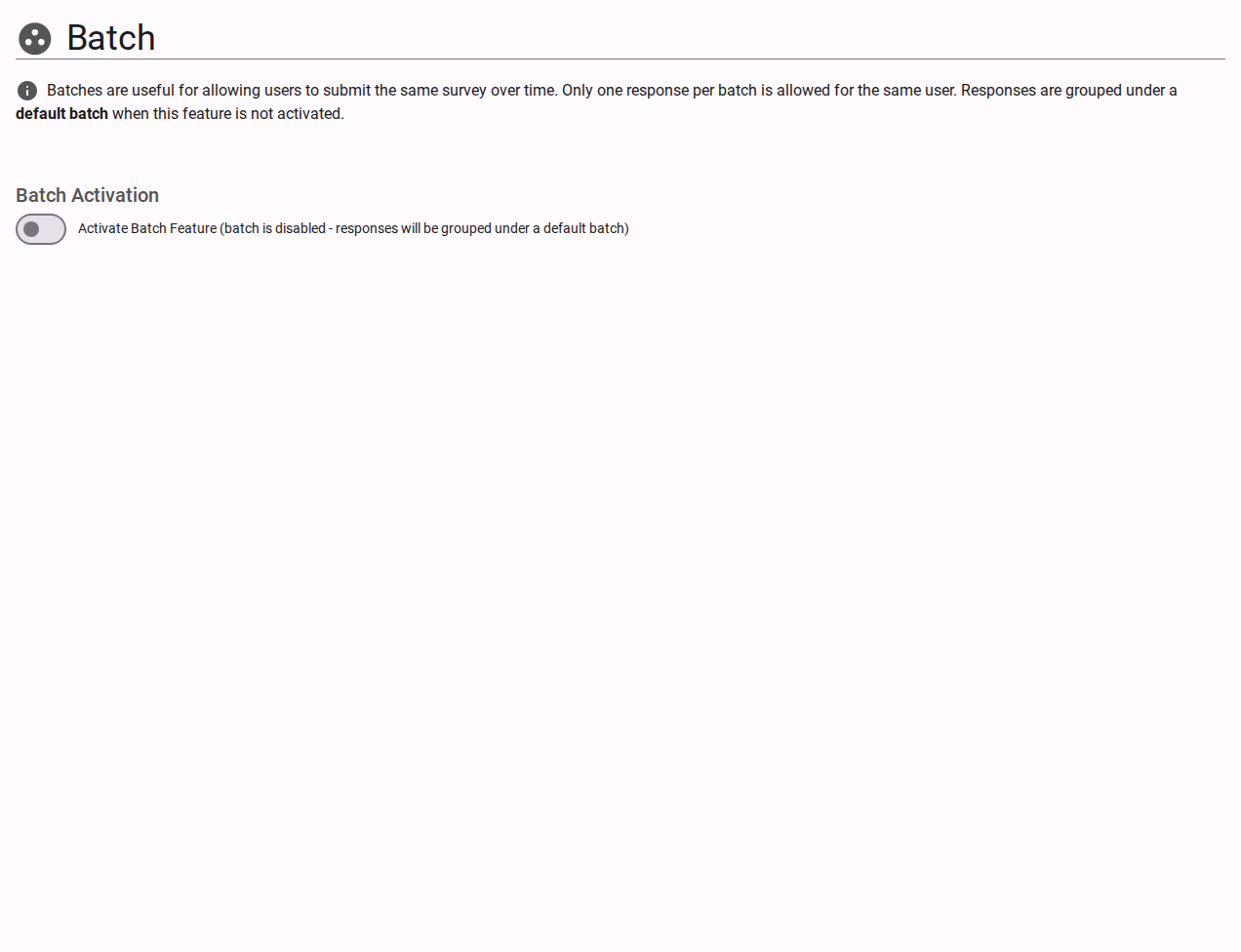
The Batches configuration defines exact temporal windows for your survey's operation. A survey must be attached to an active batch in order to accept incoming responses.
- Batch List: A master index displaying all registered batches alongside their identifying labels, start/end boundaries, and operational status (Active, Scheduled, or Closed).
- Batch Creation & Management: Select "Create New Batch" to establish a new time block. Modifying a batch requires entering the following criteria:
- Name & Description: A descriptive title and optional text to organize and easily identify the batch (e.g., "Q1 2024 Global Survey").
- Start Date (From Date): The precise timestamp when the survey opens. If this date is set in the past, the batch evaluates as immediately live.
- End Date (To Date): The timestamp when the survey systematically closes. If omitted, the survey remains open indefinitely until manually closed or superseded.
Note: Grouping respondents via batches natively separates collected answers in the Analytics dashboard, which is ideal for isolating and comparing results generated in different time periods.
Advanced Settings
For configuring automated API triggers and recurring batch creation cycles, examine the Advanced Batch Settings.