
Profile Settings
The Profile section manages the core identity and administrative metadata for a team.
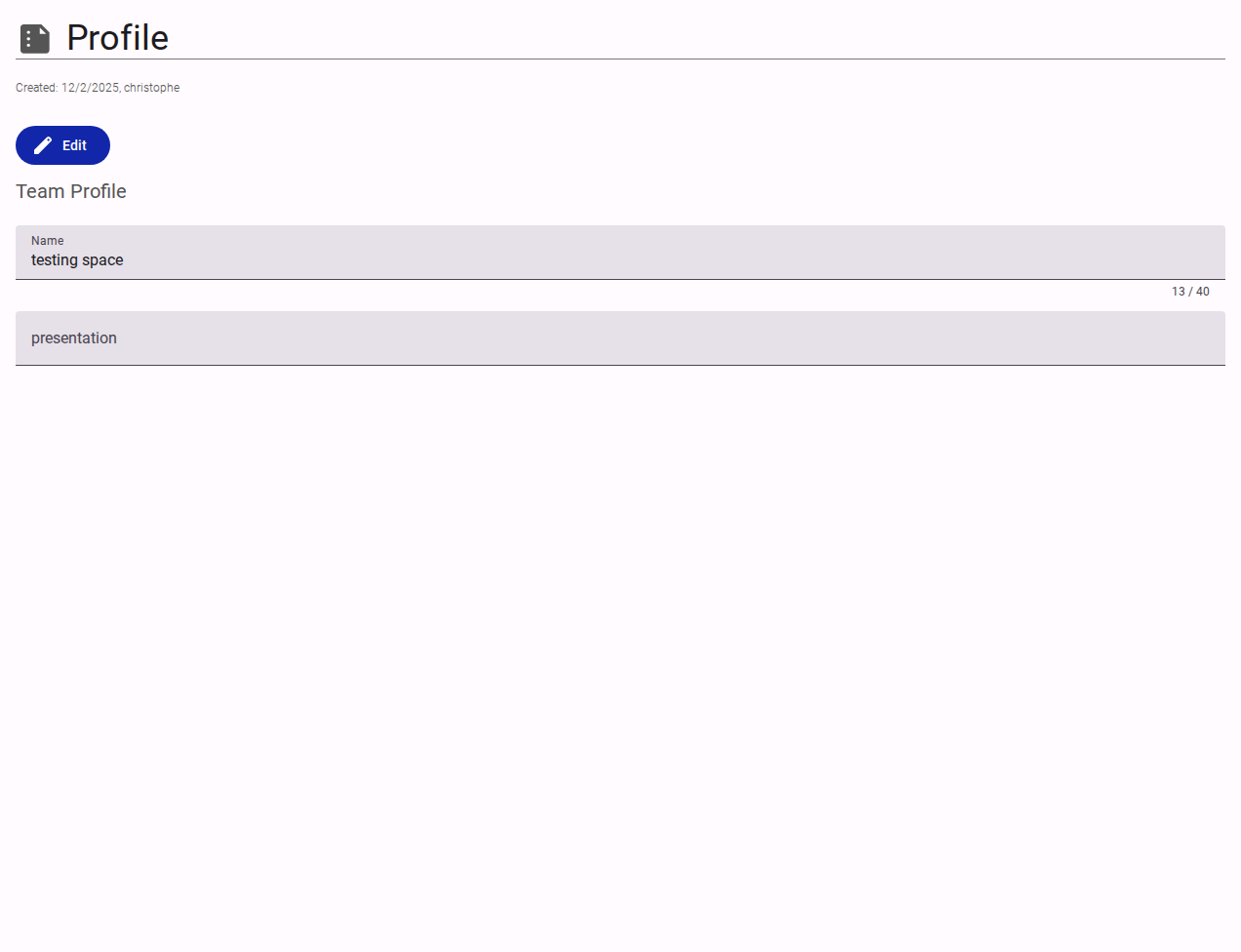
Interface Elements
- Metadata Header: Displays
Created,Updated, andRestoredtimestamps along with the user who performed the actions. - Edit Button: Enables modification of the profile fields.
- Name: The display name of the team (e.g., "Accessible Data").
- Presentation: A brief, unformatted text field intended for internal notes or a summary description of the team.