
Team API Keys
The API Keys panel under Team Settings allows team administrators to generate, list, and revoke credentials used for programmatic integration with Accessible Data APIs. The panel is available to Owners and Admins of the team.
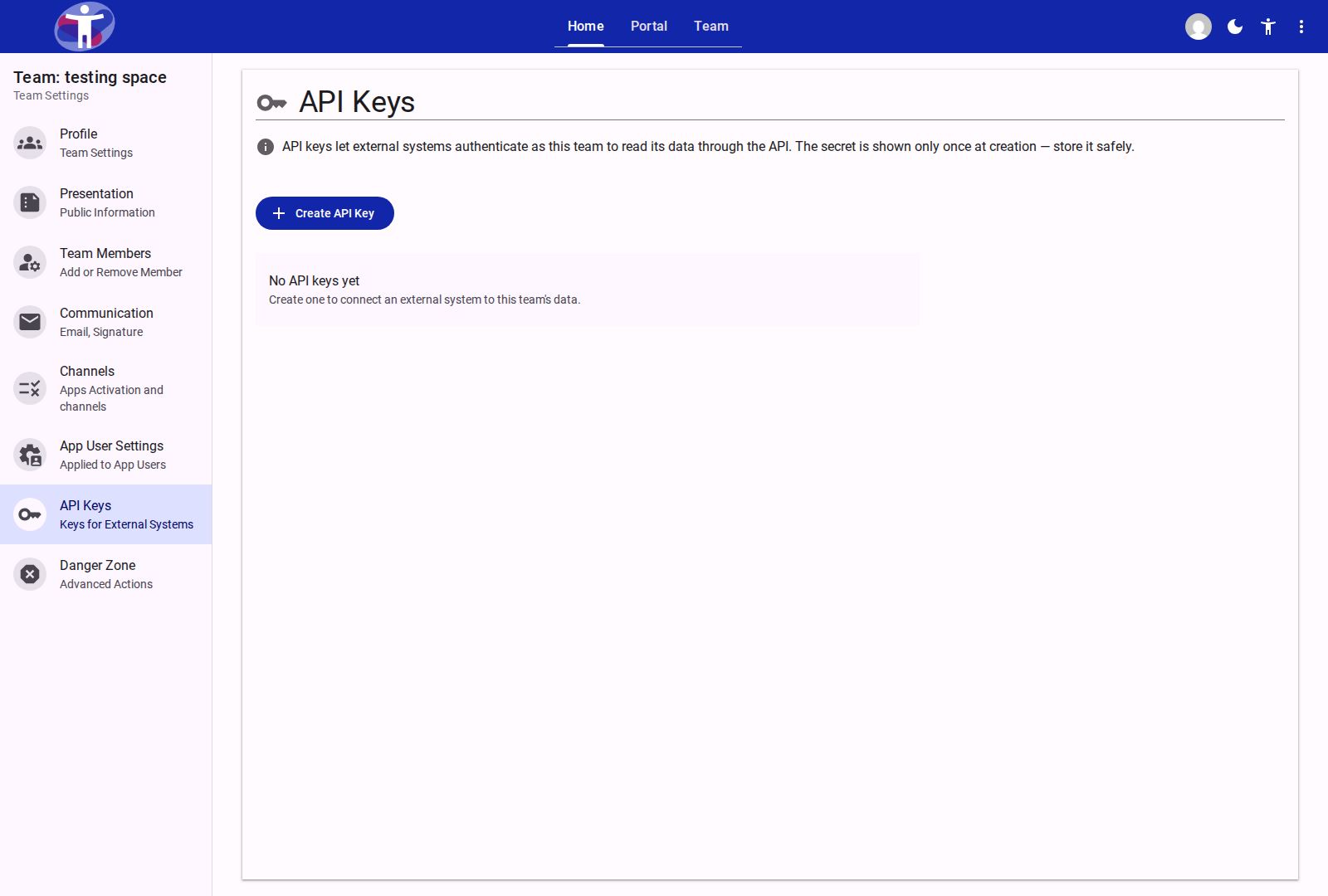
Key Concepts
- Cryptographic Security: API keys are generated using cryptographically secure random bytes on the server.
- Single Secret Reveal: The plain-text secret is displayed to the user exactly once upon creation and automatically copied to the clipboard. The plain-text secret is never saved in readable form and cannot be retrieved again after the dialog closes.
- Key Listing Display: In the active keys list, each key card displays the user-provided Key Name, the Created Date, and a Revoke action button.
- Immediate Revocation: Revoking an API key removes its authorization immediately, cutting off access for any scripts or external systems using that key.
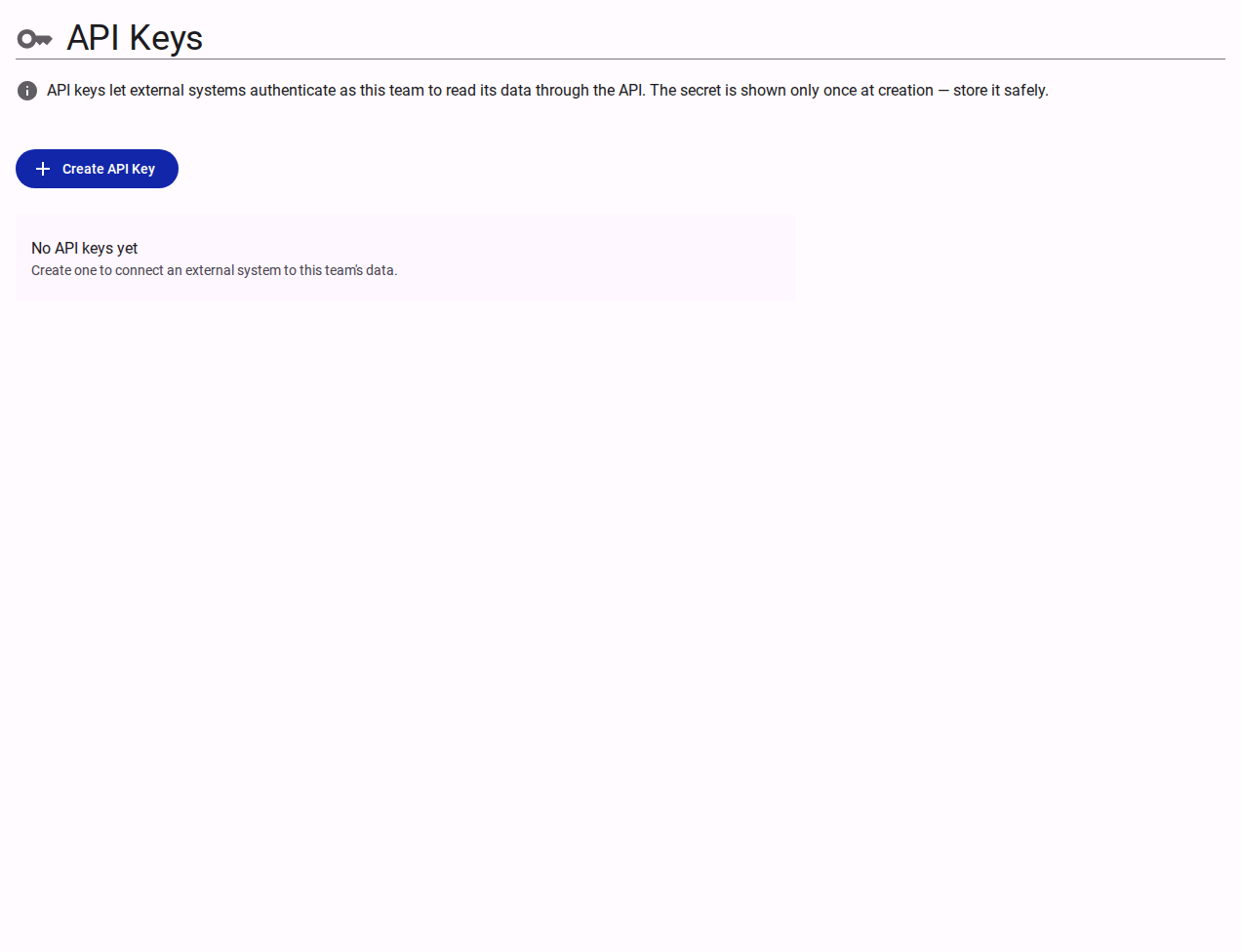
Operations
| Action | Description | Dialog / UX Behavior |
|---|---|---|
| Create API Key | Generates a new API key for the team | Modal dialog collecting key name; presents secret key once with copy-to-clipboard |
| Revoke API Key | Immediately deactivates an existing key | Confirmation dialog with real-time process progress indicator |
Related Content
- How to Manage API Keys — Step-by-step walkthrough for creating and revoking keys
- Using API Documentation How-to — Testing API endpoints with generated keys
- Platform API Reference — Interactive Scalar OpenAPI specification