
Profile Settings
The Profile section manages core account details. It is divided into two tabs: Public and Private.
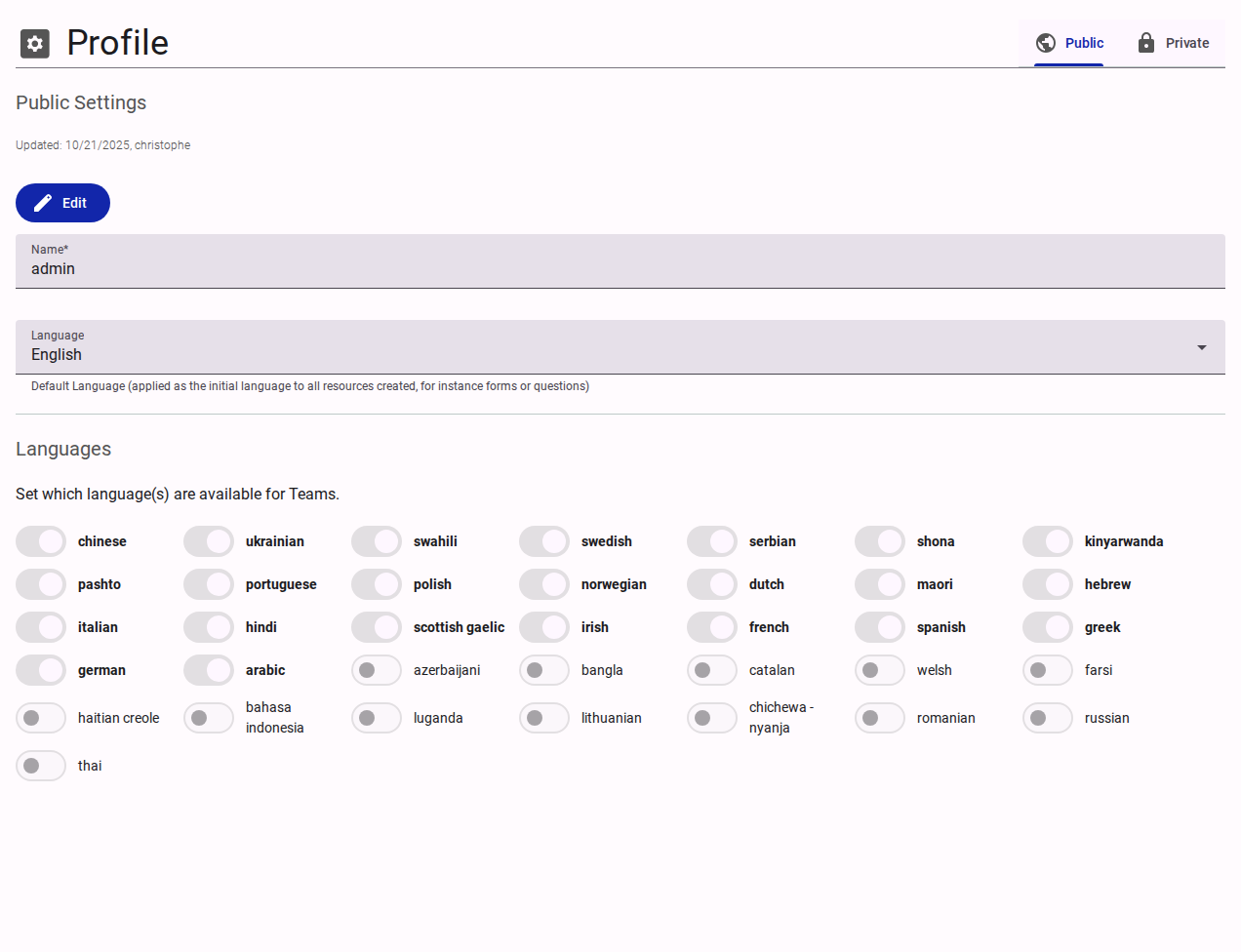
Public Settings
- Name: The display name of the customer organization.
- Language: The default language applied to newly created resources.
- Languages: A toggleable list of available languages (e.g., Chinese, Ukrainian, Swahili). Enabling a language makes it available for Teams to use in their resources (like forms or questions).
Private Settings
- Email: Contact email address.
- Phone: Contact phone number.
IMPORTANT
The Private settings tab is only visible and editable by the account Owner.