
How to buy additional quota
Every plan includes an allowance for each quota type — surveys and teams. When the allowance runs out, you can buy one-off packs of additional units from your customer portal; the units are added to your quota as soon as Stripe confirms the payment.
Step 1: Open the quota tab
Sign in to your customer portal and open Subscription → Quota.
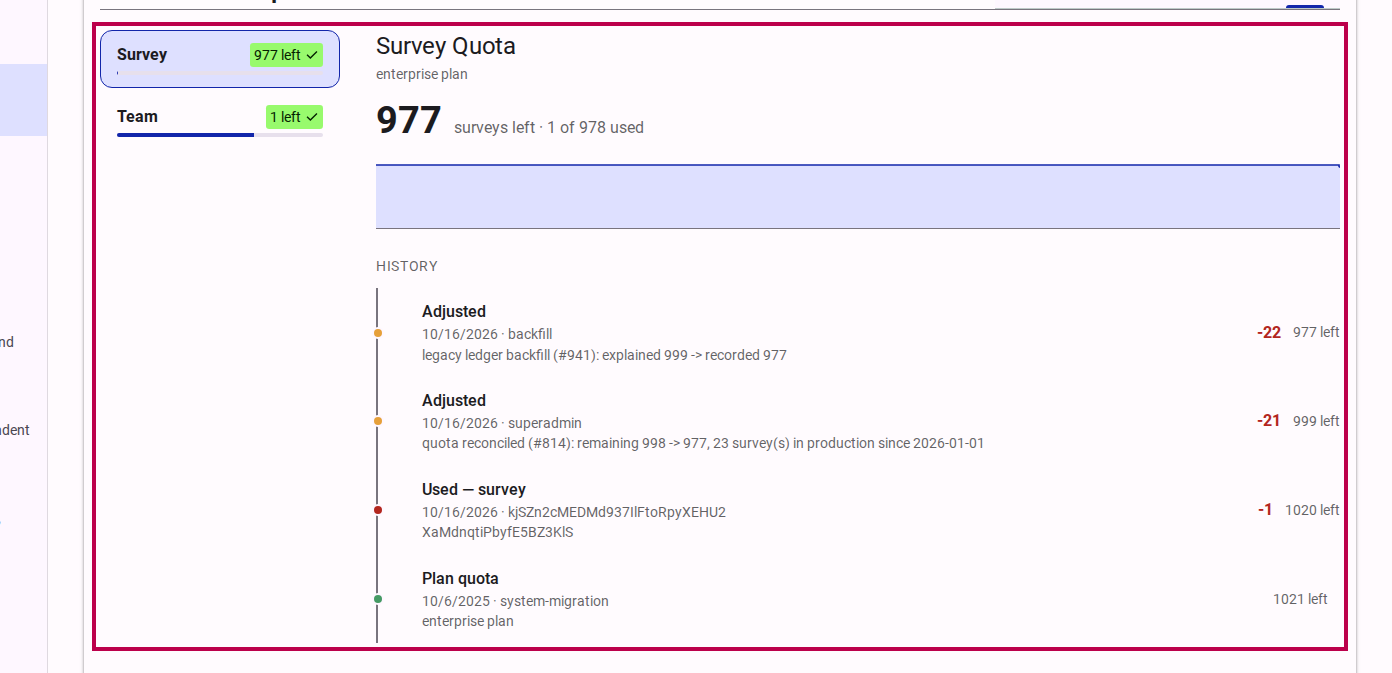
The tab lists your quota types — surveys and teams — with the units left on each. The detail pane shows the selected type's remaining figure, the plan it comes from, and a timeline of everything that changed it: the plan quota, purchases, renewals, usage and adjustments.
Step 2: Select the quota type
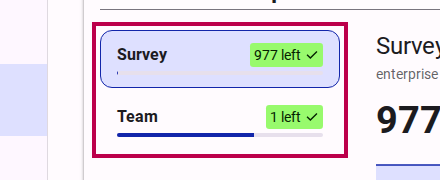
Select survey or team in the type list. Buy units for the type you are about to exhaust — a survey pack never adds team units, and the other way around.
Step 3: Buy additional quota
In the detail pane, click Buy survey quota (or Buy team quota). The control is shown to account holders with edit access (Owners, Admins, and Editors).
INFO
A buy control appears only when a pack is on sale for that quota type. If it is not shown, contact support to arrange additional quota.
Step 4: Choose the quantity and pay on Stripe
The dialog names the pack and its price — and, when the type offers more than one pack, lets you pick one first. Click Buy on Stripe to open Stripe's payment page, where you set the quantity (1–99), choose the payment method and pay. Stripe emails you the receipt.
The purchase is one-off: no subscription is started, and the units you receive are the pack's units times the quantity you buy.
Step 5: Return to the portal
After payment you return to the quota tab. Until Stripe confirms the payment it shows a notice: "Your purchase is being processed. The quota appears here as soon as Stripe confirms the payment." The units are granted the moment the invoice settles, and the history shows the purchase as Additional quota purchased.
The two quota types differ after purchase:
- A survey pack applies to your current quota period: it does not roll over to the next renewal. Buying survey quota also clears a grace window: publishing resumes immediately and the one over-quota survey accepts respondents again.
- A team pack is permanent: it never lapses at renewal.
Related Content
- Subscription settings — the portal's subscription page and its tabs.
- Quota card — the card that shows a quota's remaining units and used share.
- How to publish a survey — taking a survey to production redeems one survey from the plan's quota.