
Team Members
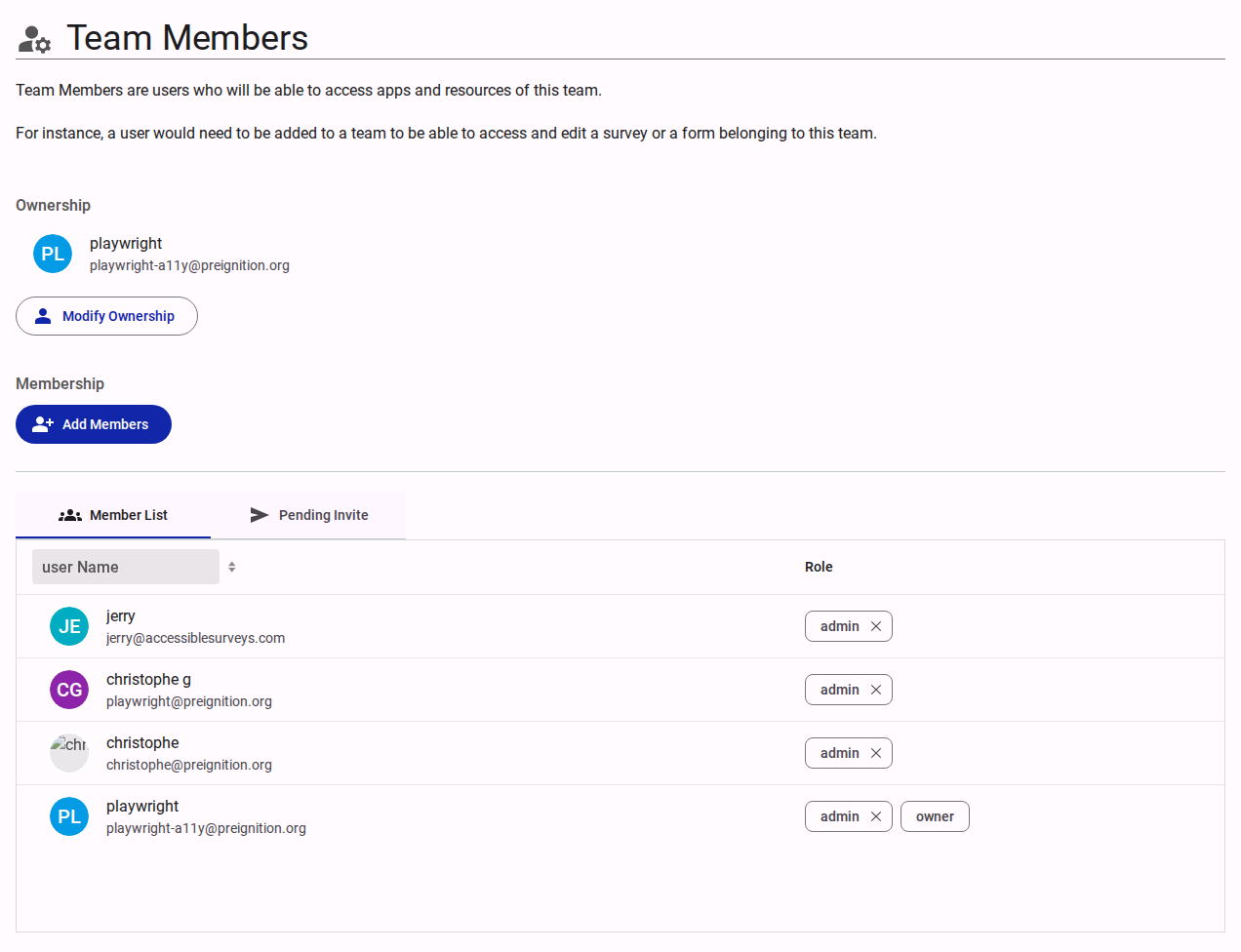
The Team Members section defines access roles for users interacting with the team's resources (e.g., surveys, forms).
Ownership
Displays the current owner of the team.
- Modify Ownership: Action to transfer the Owner role to another user.
Membership Management
- Add Members: Interface to invite new users to the team and assign them roles.
- Views:
- Member List: Displays current members, their email addresses, and their assigned roles (e.g.,
owner,admin,editor). Roles can be adjusted or revoked directly from this list. - Pending Invite: Displays invitations that have been sent but not yet accepted.
- Member List: Displays current members, their email addresses, and their assigned roles (e.g.,