
Communication Settings
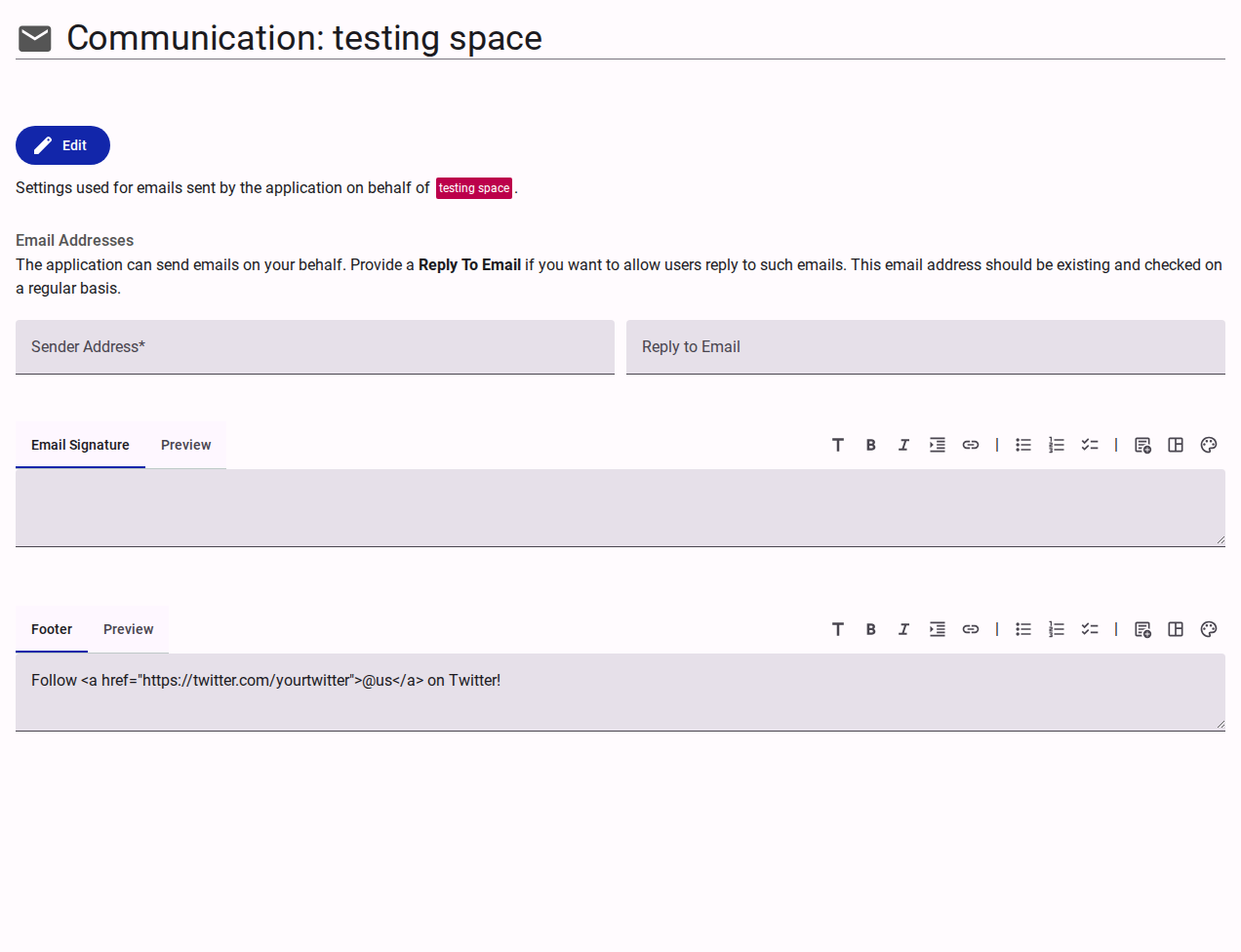
The Communication section configures the default settings for automated emails sent by the application on behalf of the team.
Email Addresses
- Sender Address: The primary email address from which automated team emails originate.
- Reply to Email: An optional monitored inbox where respondents can direct their replies.
Email Formatting
- Email Signature: A rich-text editor to define a standardized signature appended to outgoing communications.
- Footer: A rich-text editor to define persistent footer content, such as social media links or regulatory disclaimers, appended to all emails.