
Presentation Settings
The Presentation section manages the public-facing details and localization of the team's identity.
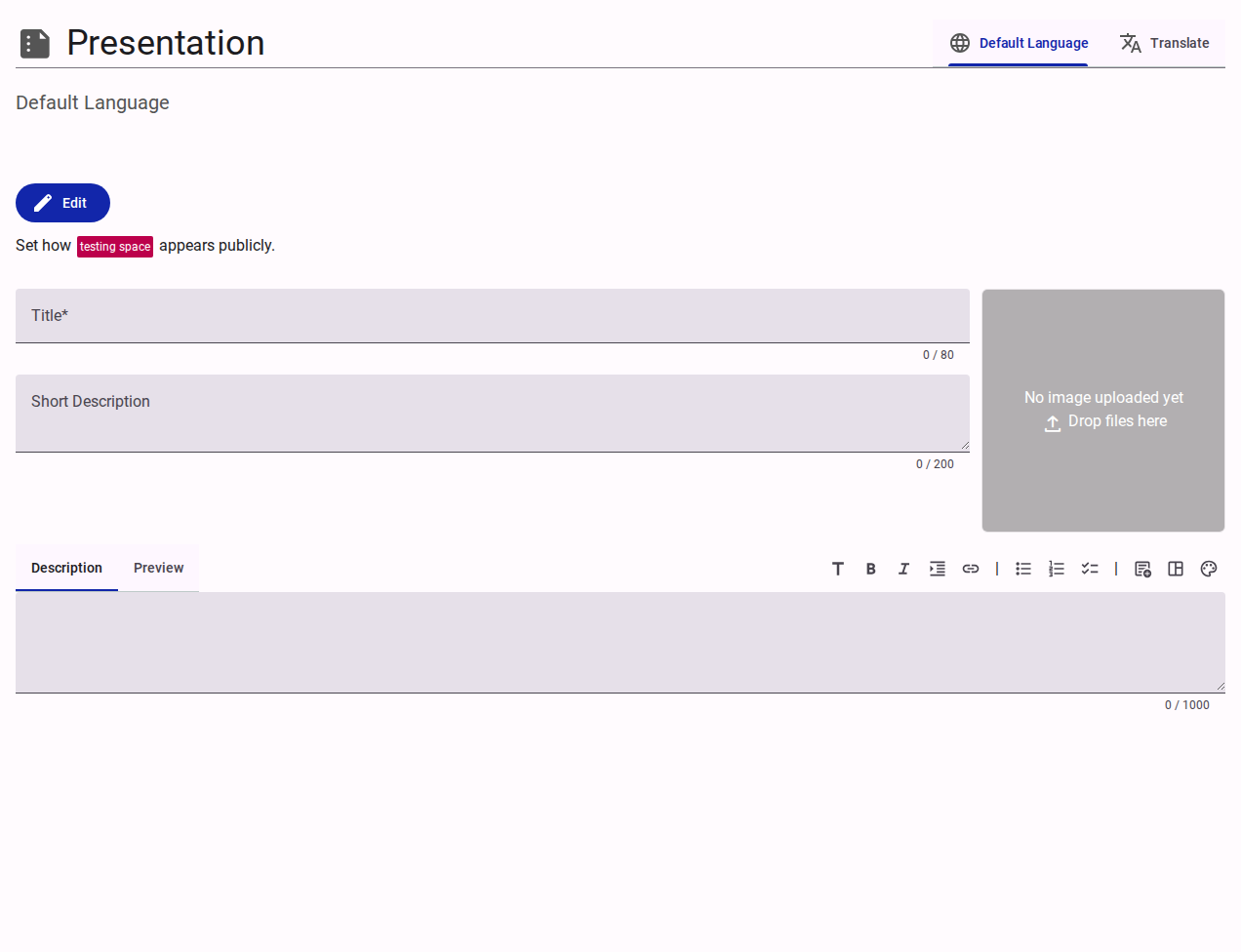
Language Controls
- Default Language: Defines the primary language for the team's public profile.
- Translate: Allows configuring the presentation details in additional languages.
Public Information Fields
- Title: The formalized, public-facing name of the team.
- Short Description: A concise summary of the team's purpose (max 200 characters).
- Description / Preview: A rich-text editor for providing a detailed, formatted description of the team.
- Image Upload: An area to upload a team logo or banner image via drag-and-drop.