
Team API Keys & Data Definition Endpoints
Date: 2026-08-11
Version: 1.2.0
Overview
We are excited to announce Team API Keys Management and Per-Type Data Definition Endpoints for Accessible Data! This release empowers organizations to securely authenticate external integrations, programmatically inspect data schemas, and integrate automated data pipelines with full type safety.
What's New?
Team API Keys Management
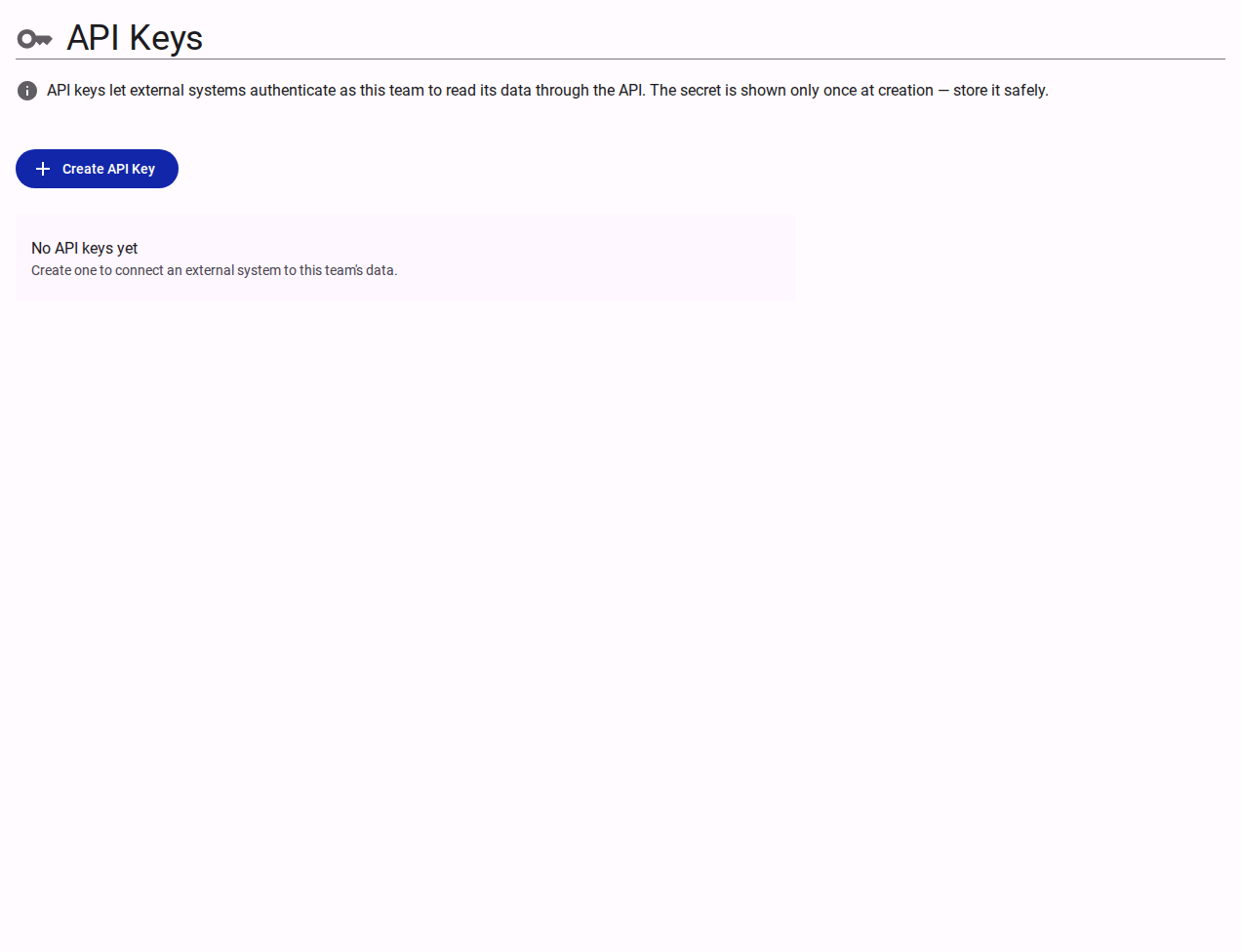
- What it is: A new dedicated API Keys panel in Team Settings (
/customer/{teamId}/team/api-keys) allowing team administrators to generate, list, and revoke API credentials for programmatic access. - Why it matters: Enables secure machine-to-machine integrations without exposing user login credentials, allowing external scripts, workflows, and data pipelines to interact safely with Accessible Data services.
- How to use: Navigate to Team Settings in the Customer Portal, select API Keys, and click Create API Key. Provide a descriptive key name (e.g.,
Data Pipeline) and copy your generated key secret. - Read more: Team Settings Reference
Single-View Secret Reveal with Auto-Copy
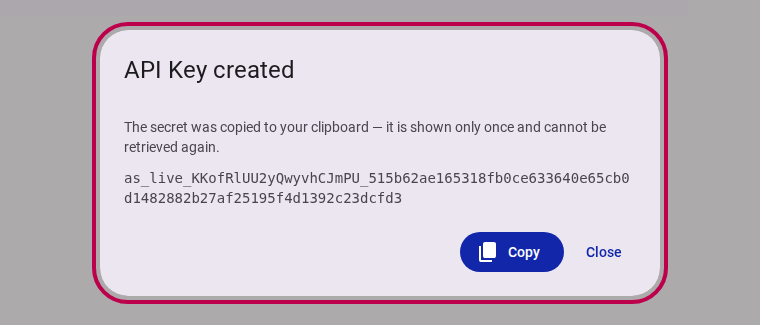
- What it is: A high-security key generation workflow where the raw API secret key is displayed exactly once upon creation and automatically copied to the clipboard (
navigator.clipboard). - Why it matters: Prevents secret leakage or stored plain-text compromises. Once the creation dialog is closed, the key secret cannot be retrieved again—only the key name, key prefix, and creation timestamp remain visible in the dashboard.
Immediate API Key Revocation
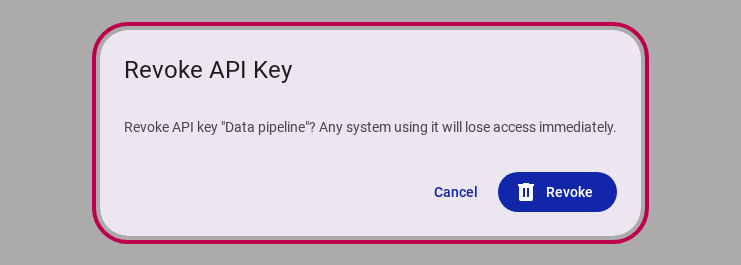
- What it is: An in-place revocation workflow allowing team admins to immediately deactivate an API key with real-time feedback and progress tracking.
- Why it matters: If an API key is compromised or no longer needed, revoking it instantly cuts off access across all active integrations, maintaining strict security guarantees.
- How to use: In the API Keys panel, click Revoke next to any active key and confirm in the dialog.
Per-Type Data Definition Endpoints & OpenAPI Documentation
- What it is: Programmatic
/definition/{type}endpoints that expose typed schemas and data definitions for application objects, complemented by an interactive Scalar API Reference. - Why it matters: Developers building custom integrations can programmatically inspect object structures, validation rules, and schema types, guaranteeing type-safe data exchange across services.
- How to use: Access the interactive Scalar documentation directly via the new API Reference link in the documentation portal.
- Read more: Interactive Scalar API Reference
Fixes & Improvements
- Form-Bound Dialog Submissions: Improved modal dialog form handling so action buttons directly submit associated forms with loading feedback (
lapp-processand circular spinners). - Enhanced Access Control Rules: Refined user action authorization policies to seamlessly allow owner and admin role permissions across team operations.